 Scordle
Import your scores
Been keeping score somewhere else? Bring it with you. Scordle reads a WhatsApp group chat or a spreadsheet, for your own history or a whole club's, and your streaks can come too. Every import is read on your phone, and nothing is uploaded until you've reviewed it.
Your own scores from a WhatsApp group
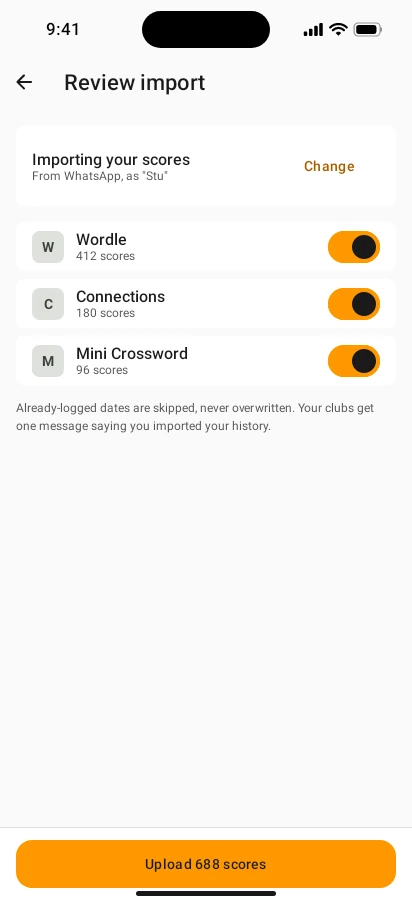
If you've been posting your results in a group chat, that chat already holds your history. Export it from WhatsApp, pick Scordle from the share list, and Scordle reads it on your phone. It finds everyone who posted, asks which one is you, and keeps only your scores. Everyone else's, and every other message, are thrown away.
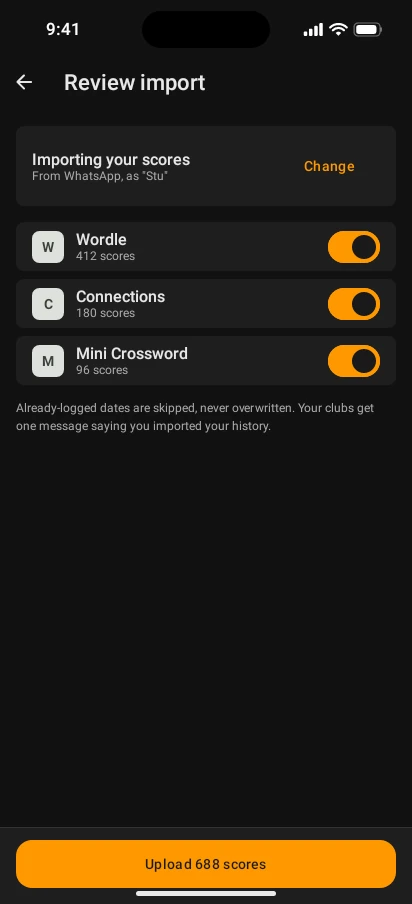
You see each game with how many scores were found and how many you'd already logged, turn off any you don't want, and upload. Your history lands on the Games tab, and an Undo on the Import tab takes it all back out if you change your mind.
Your own scores from a spreadsheet
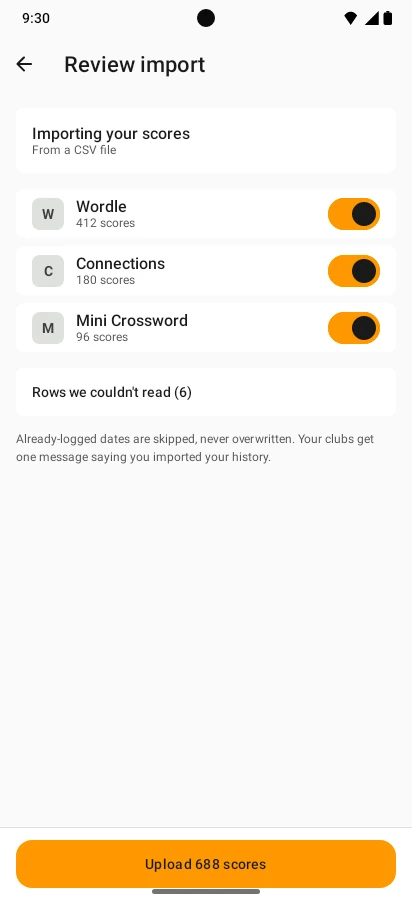
Kept your results in a sheet instead? Save it as a CSV with three columns, date, game and score, and choose it on the Import tab. Any other columns are ignored, so you can usually import the sheet you already have.
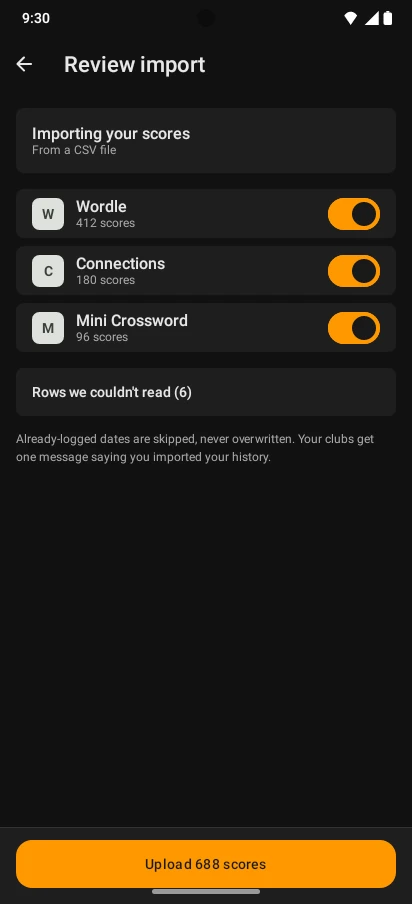
The guide has a template to download and a table of what to put in score for every game Scordle reads. A row with a typo is listed by number with what was wrong, and never stops the rest.
A whole club's history
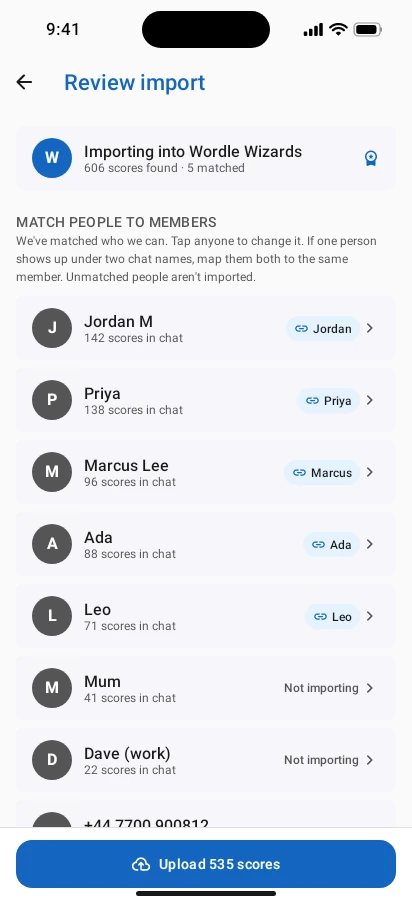
Run a club whose group has been sharing scores for months? As its owner you can bring in everyone's at once. Share the chat to Scordle, keep your club selected, and Scordle matches each person in the chat to a club member. Tap anyone to change the match, then pick the games to keep and upload.
A spreadsheet works for a club too. Add a player column so each row can be matched to a member.
Your streaks, and the odd missing day
Already on a long streak? You don't have to start again at one. On the Streaks tab, tap the plus, pick the game, enter how many days you've played in a row, and Scordle counts from there. Import your existing streaks.
Just one score missing? The share button in your game is still the quickest way in, and Add a Score on Games lets you paste a result or type one in by hand for any day. How to add a score.
Moving a whole group over from a chat or a spreadsheet? Moving from a WhatsApp group or spreadsheet puts the steps in order: create the club, invite everyone, then import.
Good to know
Read on your phone
Chats and spreadsheets are read on the device. Only scores are kept, and nothing is uploaded until you've reviewed it.
Nothing is overwritten
A day already logged is skipped, never replaced, so you can run an import again after adding to the file.
Your clubs hear once
Importing your own history sends your club-mates one message, never one per score.