 Scordle
Guide · 1 minute
How to sign up for Scordle
Signing up takes a nickname and nothing else. There is no email address, no password and no phone number, so there is nothing for anyone to spam. Pick an avatar if you like, and you are in.
Just a nicknameNo email, no spamUnder a minute
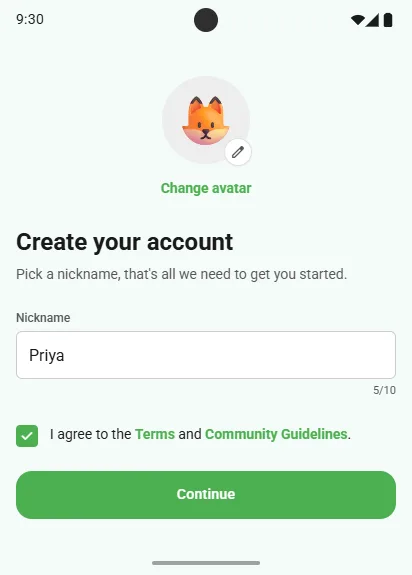
Create your account
- Open ScordleChoose I'm new here.
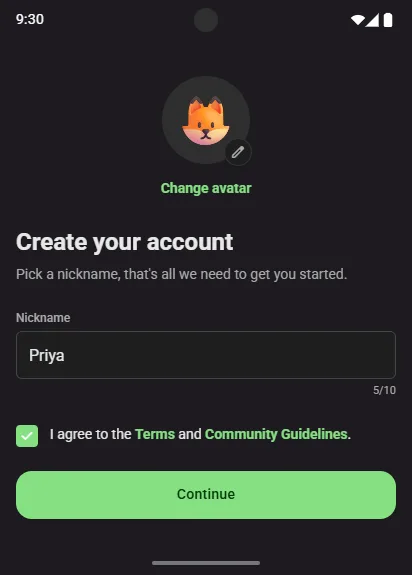
- Pick a nicknameUp to 10 characters. It is how your club-mates see you.
- Agree to the Terms and Community GuidelinesThen tap Continue.
- Save your recovery code12 words that bring your account back if you ever lose every device. It replaces the password you never had to make.
Pick an avatar
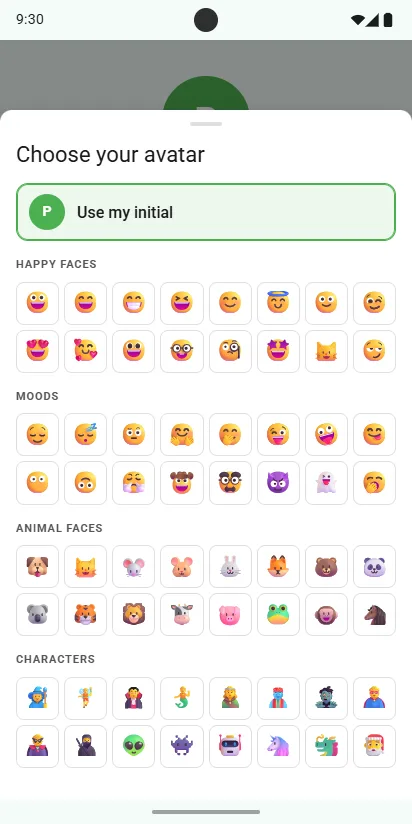
- Tap Change avatarAbove the nickname, or later in Settings.
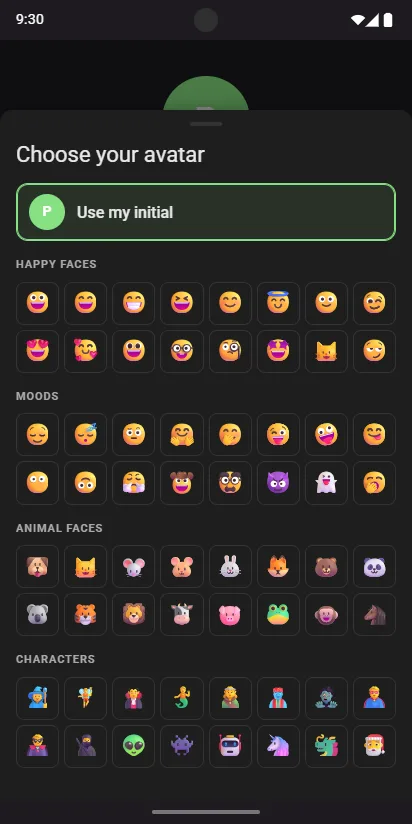
- Choose one you likeHappy faces, moods, animal faces and characters.
- Or keep your initialUse my initial puts the first letter of your nickname on a coloured circle.
Good to know
Nothing to unsubscribe from
We never ask for an email, so there is no newsletter, no marketing list and no inbox to fill.
Change your mind later
Settings, then Profile, to change your nickname or avatar. A nickname can change once a day.
More than one device
Add a tablet or a second phone with a QR code, no login needed.