Guide · 2 minutes
How to import your scores from WhatsApp
Been posting your Wordle, Connections or Nerdle results in a group chat for months? Export the chat from WhatsApp, share it to Scordle, and every past score joins your club, ready for stats, streaks and competitions.
Read on your phoneYou choose what's uploadedAbout 2 minutes
In WhatsApp
- Open the group chatThe one where everyone posts their scores.
- Tap the group's nameAt the top of the chat.
- Tap the menu, then Export chat
- Choose Without mediaScordle only needs the text.
- Pick Scordle from the share list
In Scordle
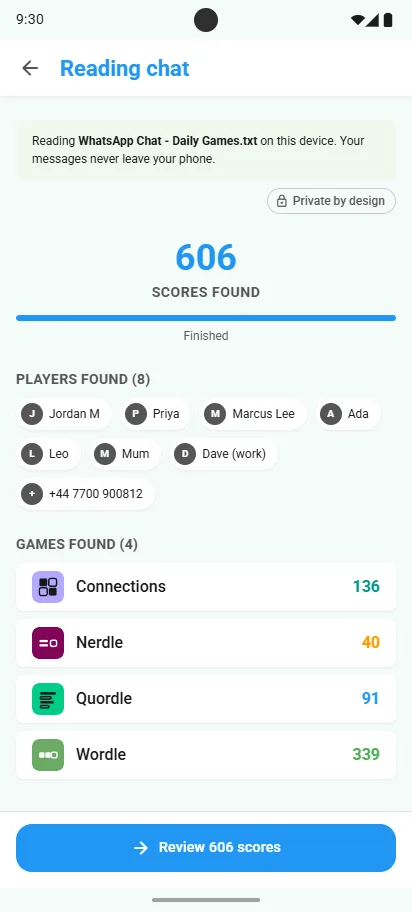
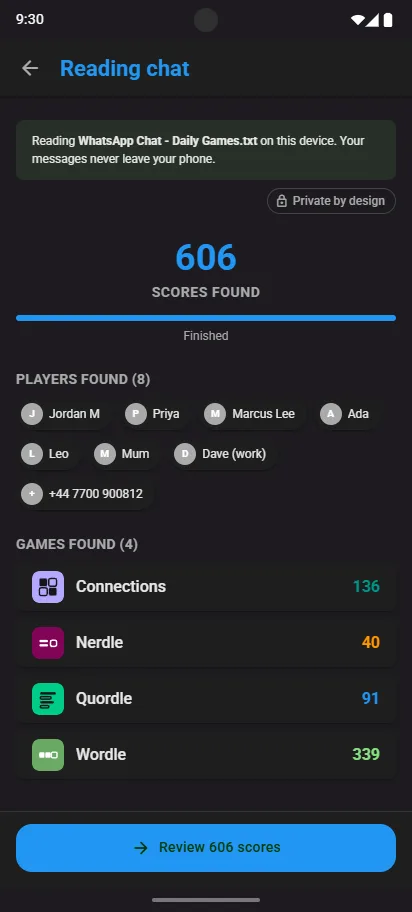
- Scordle finds the scoresIt reads the chat on your phone and picks out only the shared game results, counted by player and by game. Every other message is ignored and thrown away.
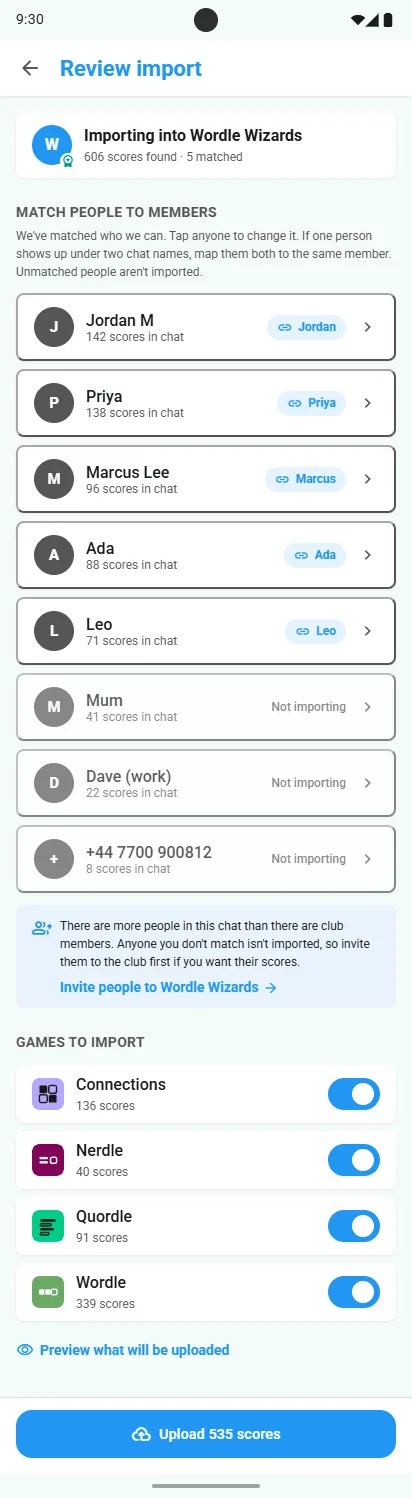
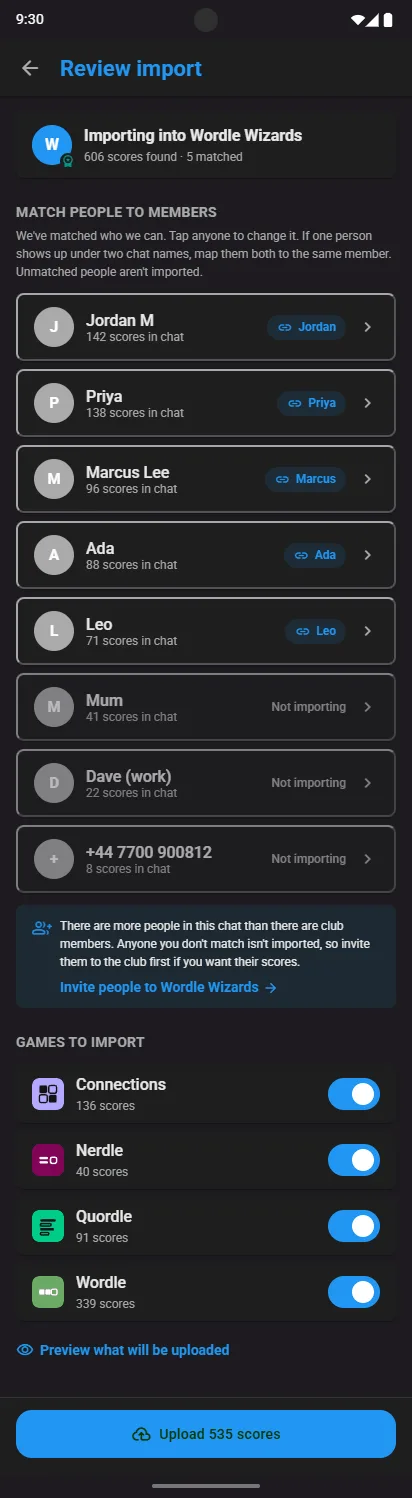
- Match people to membersWe match who we can. Tap anyone to change it, or map two chat names to one person.
- UploadPick the games to keep and tap Upload. Your history lands in the club.
Good to know
Club owners run the import
Only a club's owner can import scores into it. If you're a member, ask your club's owner, or create a club of your own.
Your chat stays on your phone
Only scores are extracted. Everything else is discarded and nothing is uploaded until you've reviewed it.
Invite people first
Anyone you don't match to a member isn't imported, so add them to the club before you start.
Import again later
New members joined, or Scordle now reads another of your games? Run the import again, up to a daily limit per club. Scores already in your club stay exactly as they are.
Related guides