 Scordle
How to add a score
The easiest way is the share button in your game: when you finish, tap Share and pick Scordle. When that isn't possible, tap the plus on Games. Add a Score has three tabs: Paste a result you copied, type one in By hand, or Import your history from a file.
Four ways in
Every way ends in the same place: one score in your Games tab, on your streaks, in your clubs' feeds and in today's competitions.
| Way | Best for | How |
|---|---|---|
| Share | Every day. It's the quickest. | When you finish a game, tap its Share button and pick Scordle. How to find Scordle the first time |
| Paste | A result you've already copied. | Games, the plus, then Paste. Tap Paste from Clipboard, then Read Score. |
| By hand | A score you never shared, or one whose share you no longer have. | Games, the plus, then By hand. Steps below. |
| Import | Your history from before Scordle. | Games, the plus, then Import, from a WhatsApp chat or a spreadsheet. |
Add a score by hand
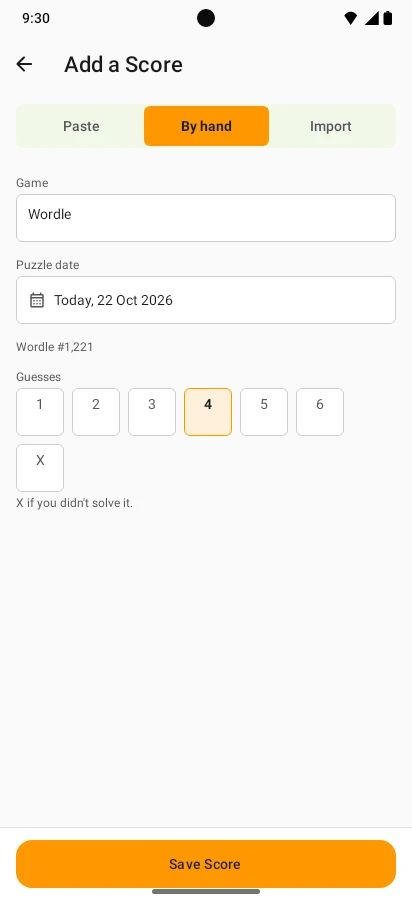
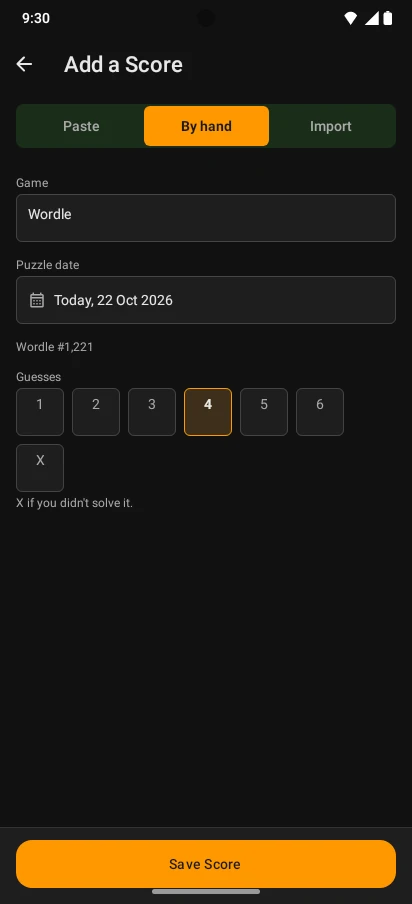
- Open Games and tap the plusThen pick the By hand tab.
- Choose the gameEvery game is listed A to Z, with a search box at the top.
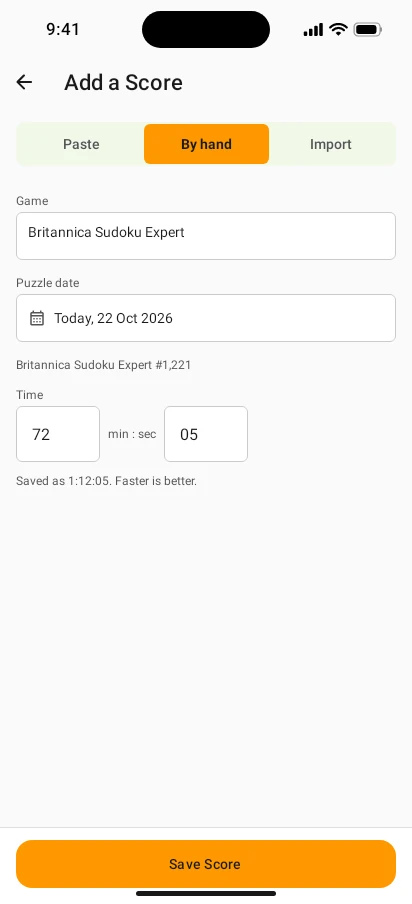
- Check the puzzle dateIt starts on today. Pick an earlier day for a puzzle you didn't log at the time, and check the puzzle number Scordle shows beneath it.
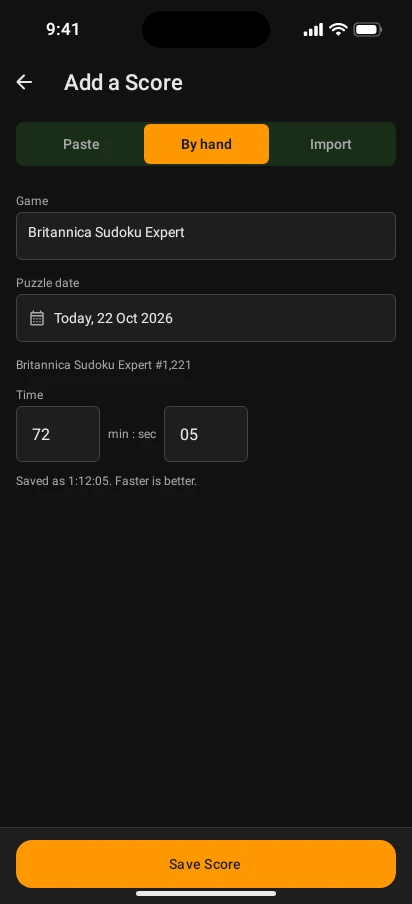
- Enter the scoreThe form fits the game: guesses or X for Wordle and its kind, mistakes for Connections, the number the game gave you, or a time in minutes and seconds. Games with hints ask how many you used.
- Tap Save ScoreIt's in your feed straight away, where your club-mates can see it.
Good to know
It counts like any other score
A score added by hand looks the same as a shared one and counts everywhere a shared one does: stats, streaks and today's competitions.
One score per puzzle
If you've already logged that day, Scordle says Already logged for this date and keeps the score you have. Nothing is overwritten.
Late scores still count
Missed logging yesterday? Add it by hand for that date and your streak joins back up. A date can't be in the future, or before the game's first puzzle.
Long times are fine
Minutes aren't capped at 59. Type 72 : 05 and it's saved as 1:12:05, because a slow solve is still a solve.
No signal? No problem
Your score is saved on your phone and sent when you're back online.
A game Scordle doesn't know yet?
Share it anyway. Scordle keeps the share, and your score counts once the game is added. By hand covers the games Scordle already lists. See how new games get added.