Guide · 3 minutes
Set up a club for your family
Create a club, send each family member their own invite link, and everyone's Wordle, Connections and Strands scores land in one place. Nobody needs an email address or a password, so there's nothing to sign up for and nothing to unsubscribe from.
No email neededUp to 30 membersAbout 3 minutes
Create the club
- Open the Clubs tabTap Create a Club.
- Name your clubBetween 2 and 16 characters, like The Smiths.
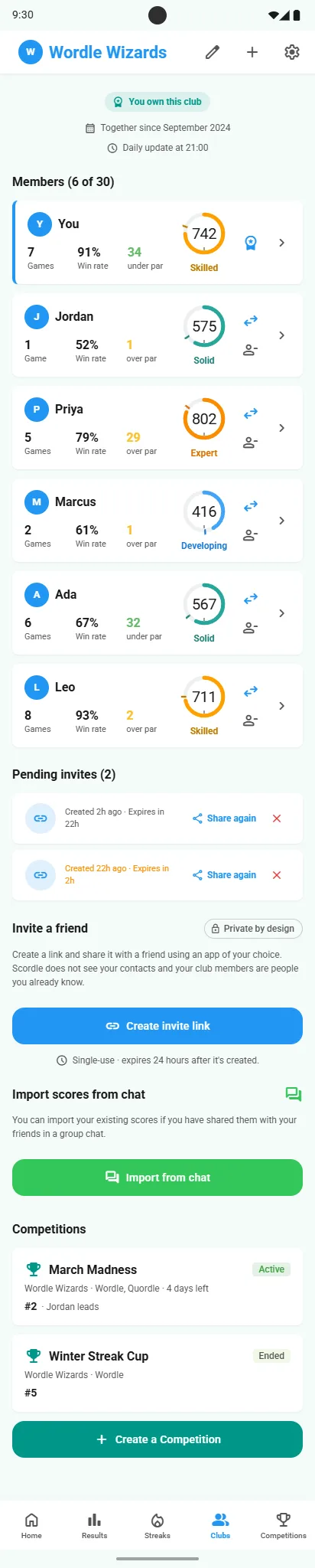
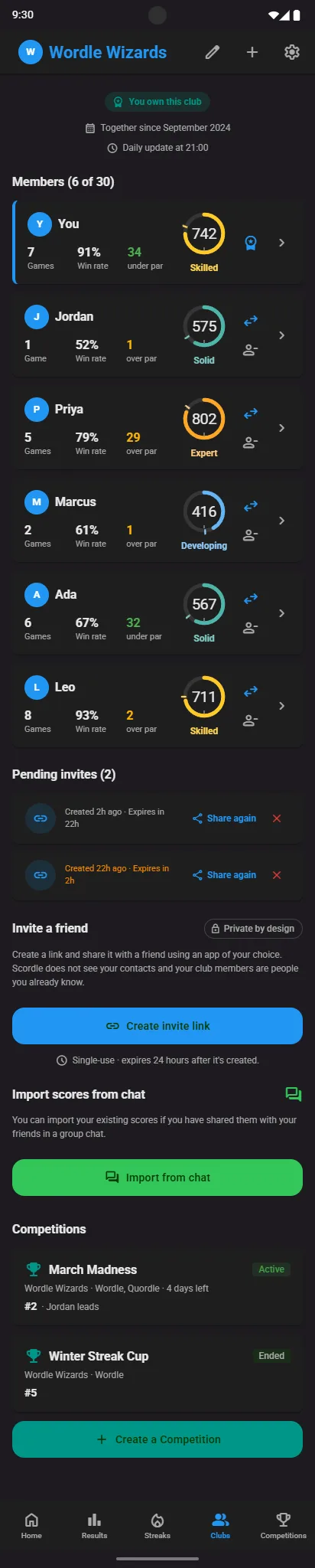
- Make an invite for each personOpen the club and, under Invite a friend, tap Create invite link. Each invite link is for one person, and only the club's owner can make them.
- Send everyone their own linkIn the family chat or a message of its own. A link works for 24 hours, so make a fresh one for anyone who misses it.
Once everyone's in
- Share scores as normalFinish Wordle, Connections or Strands, tap Share and pick Scordle. The score lands in the club feed for the whole family.
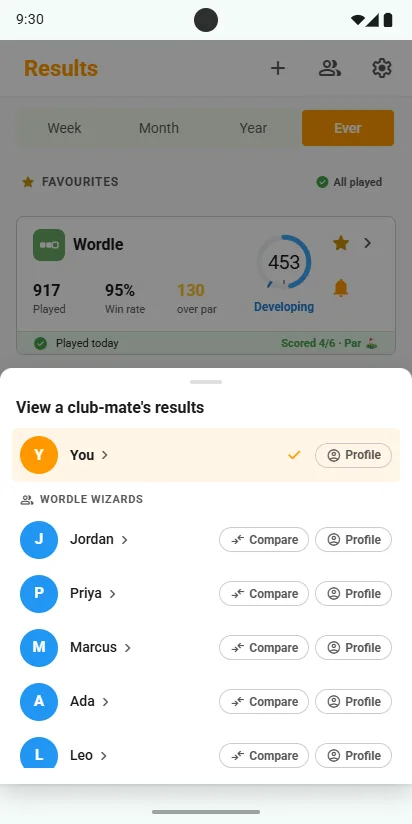
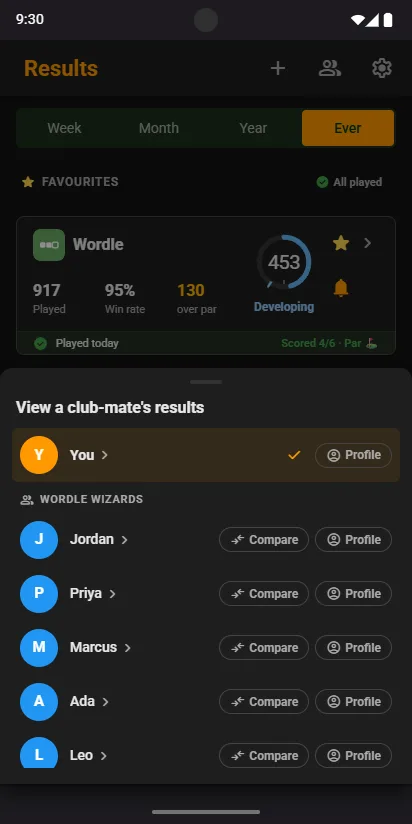
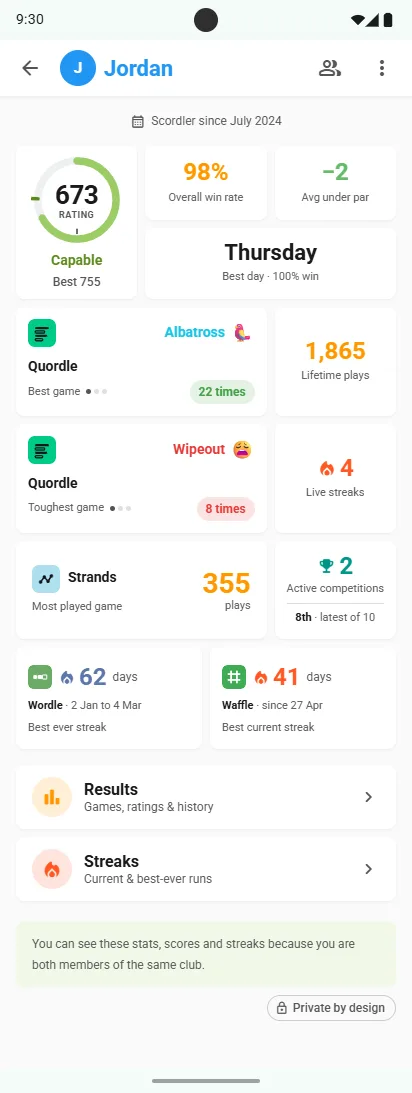
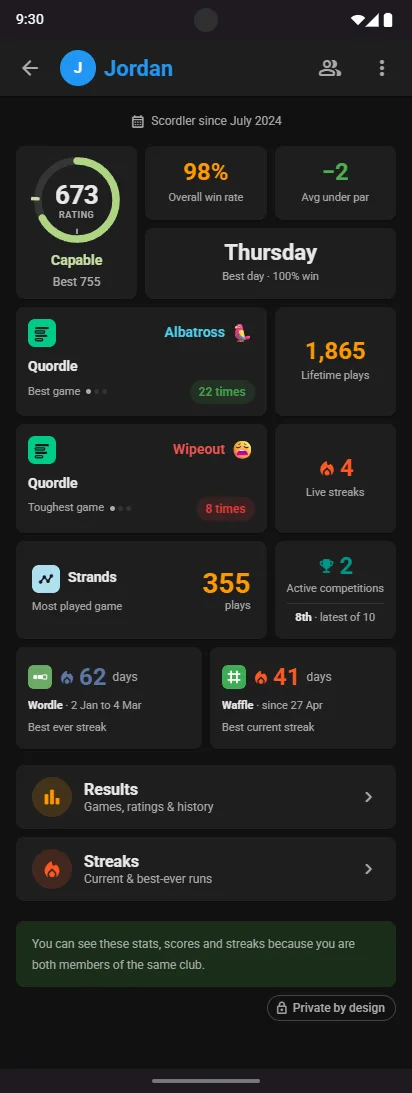
- See how everyone is doingWho got Wordle in three this morning, who's still on a Connections streak, and how Grandad's Spelling Bee rating compares with yours. On Results or Streaks, pick anyone in the family, or compare with your own.
Good to know
No email, no spam
Scordle has no username, password or email address. Your account is kept safe by a recovery code instead.
Only people you know
There are no public profiles and no way to find strangers. Clubs are joined only by invite link, and players must be 13 or over.
Room for everyone
Up to 30 members in a club, the same on every plan. Grandparents in one club, cousins in another, if you like.
Related guides