 Scordle
How to import your own scores from WhatsApp
Been posting your Wordle, Connections or Nerdle results in a WhatsApp group for months? Export the chat, share it to Scordle, and your own past scores join your Games tab, ready for stats, streaks and competitions. Everyone else's are left out. Run a club and want everyone's? Import your club's scores instead.
In WhatsApp
- Open the group chatThe one where everyone posts their scores.
- Tap the group's nameAt the top of the chat.
- Tap the menu, then Export chat
- Choose Without mediaScordle only needs the text.
- Pick Scordle from the share list
In Scordle
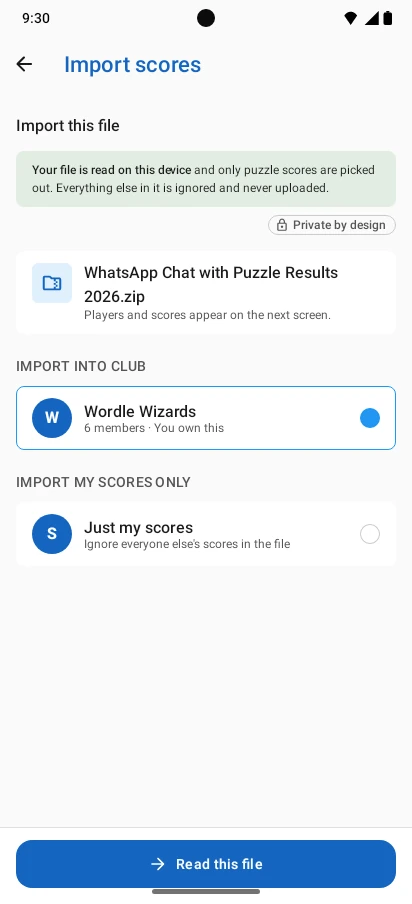
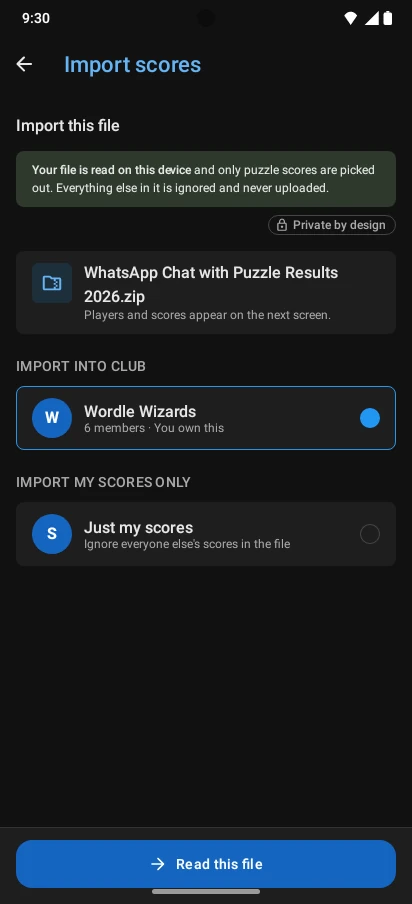
- Run a club? Choose Just my scoresIf you own a club, Scordle asks where the scores should go. Pick Just my scores, then tap Read this file. If you don't, it goes straight to reading.
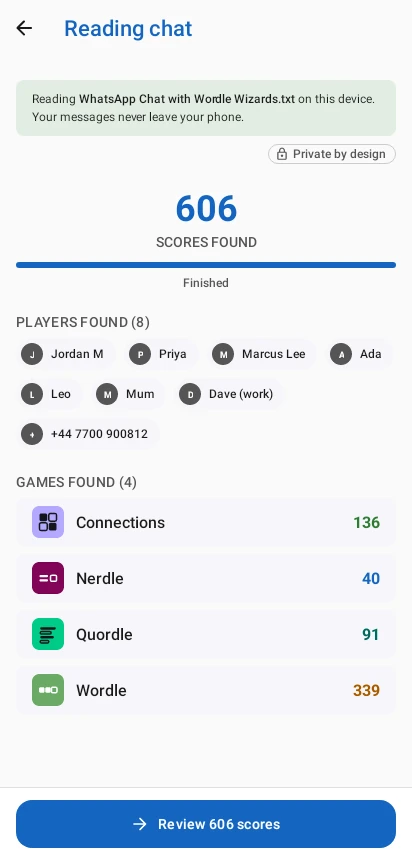
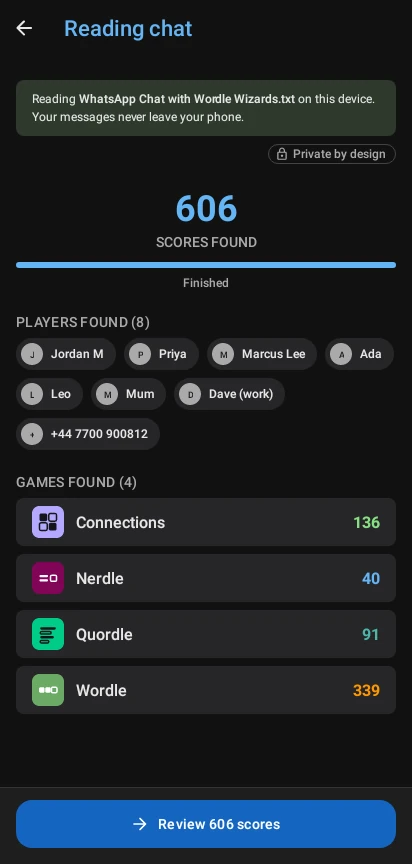
- Scordle reads the chatOn your phone. It picks out only the shared game results and ignores every other message.
- Pick yourselfA group chat has lots of people in it. Scordle lists them with the closest match to your nickname marked Best match. Check it's you and tap This is me.
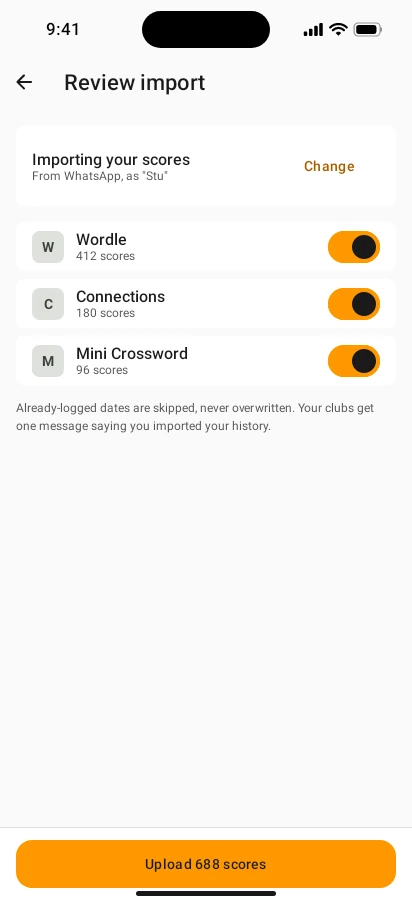
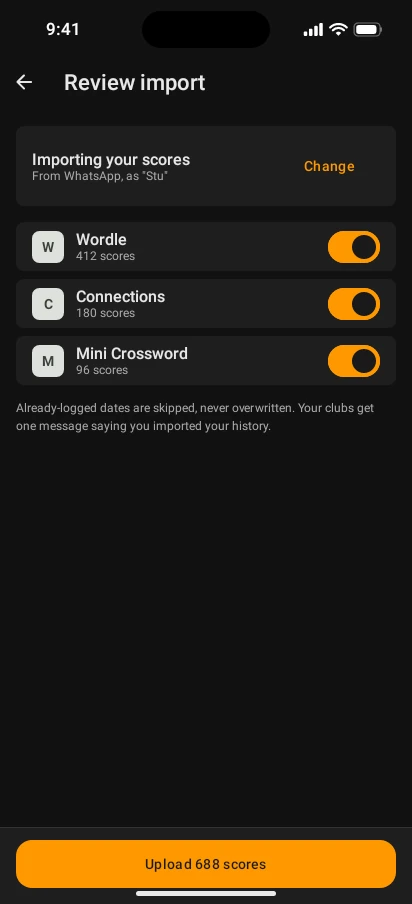
- Review and uploadYou'll see each game with how many scores were found and how many you'd already logged. Turn off any you don't want, then tap Upload. Your history lands on the Games tab.
Good to know
Your chat stays on your phone
Only your scores are kept. Everyone else's, and every other message, are discarded on the device, and nothing is uploaded until you've reviewed it.
Nothing is overwritten
A day you've already logged is skipped, never replaced, and the review tells you how many that is.
Undo the whole import
Every import you've run is listed on the Import tab with an Undo beside it. Undo removes exactly what that import added, and your other scores stay as they were.
Or start in Scordle
Open Games, tap the plus, then the Import tab, and Choose a file for a chat you've already saved. WhatsApp exports it as a .txt or .zip file.
Your clubs hear once
Your club-mates get one message saying you imported your past scores, never one per score.
Kept the scores in a sheet?
Import a CSV the same way. See the spreadsheet format.