 Scordle
Guide · 2 minutes
Share images and videos to social
Your year in a game, your Smart Streaks, your profile and any competition can each be shared as an image or a video, ready for WhatsApp, Instagram, TikTok, Facebook, X, Threads or anywhere else your phone can share to.
Your yearYour streaksYour profileCompetitions
Share your year in a game
- Open a gameOn the Games tab, tap any game you play.
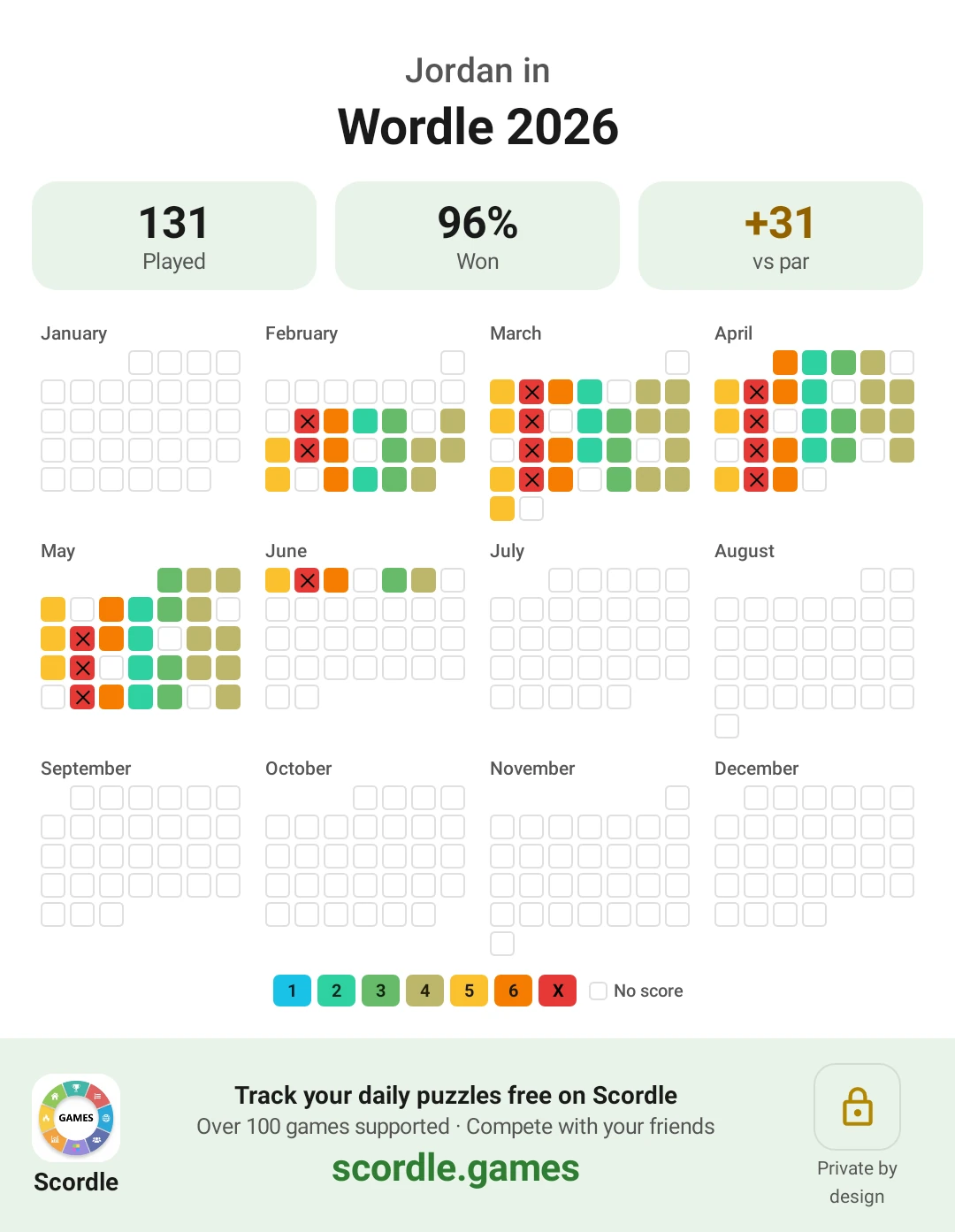
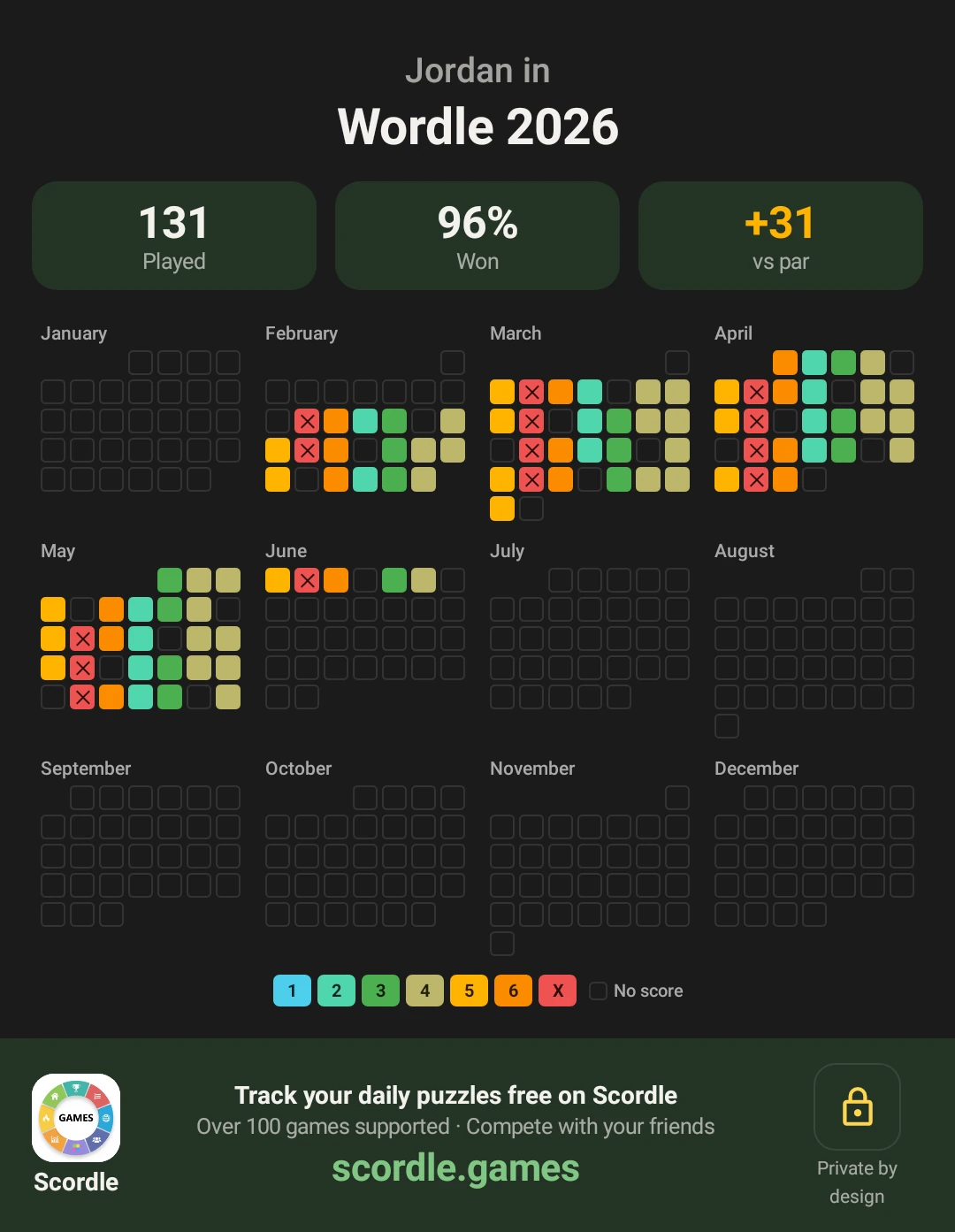
- Share your yearBeside Daily results, tap Share your year as an image. You get the whole year's calendar with your plays, wins and how you did against par.
Share your streaks
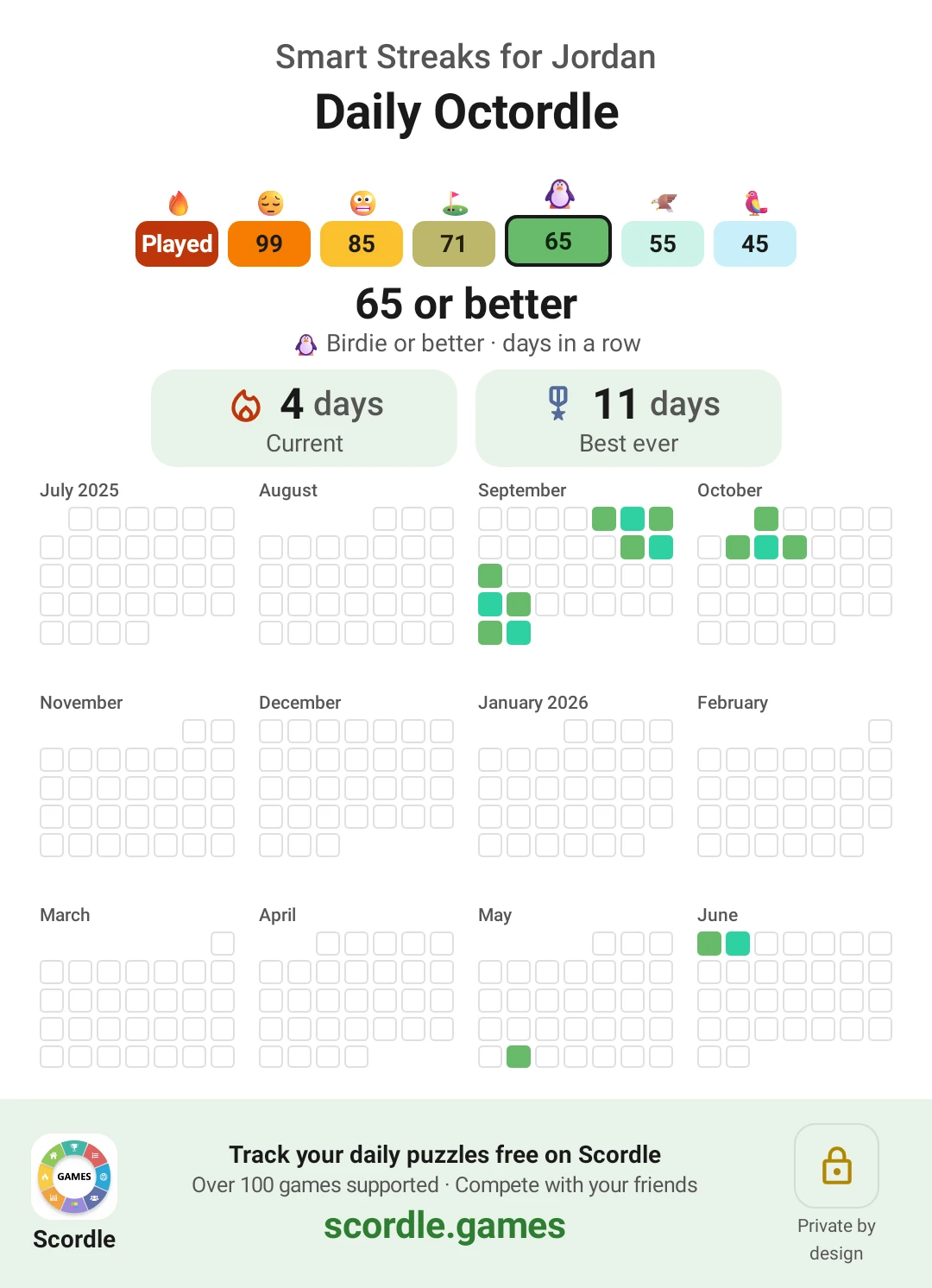
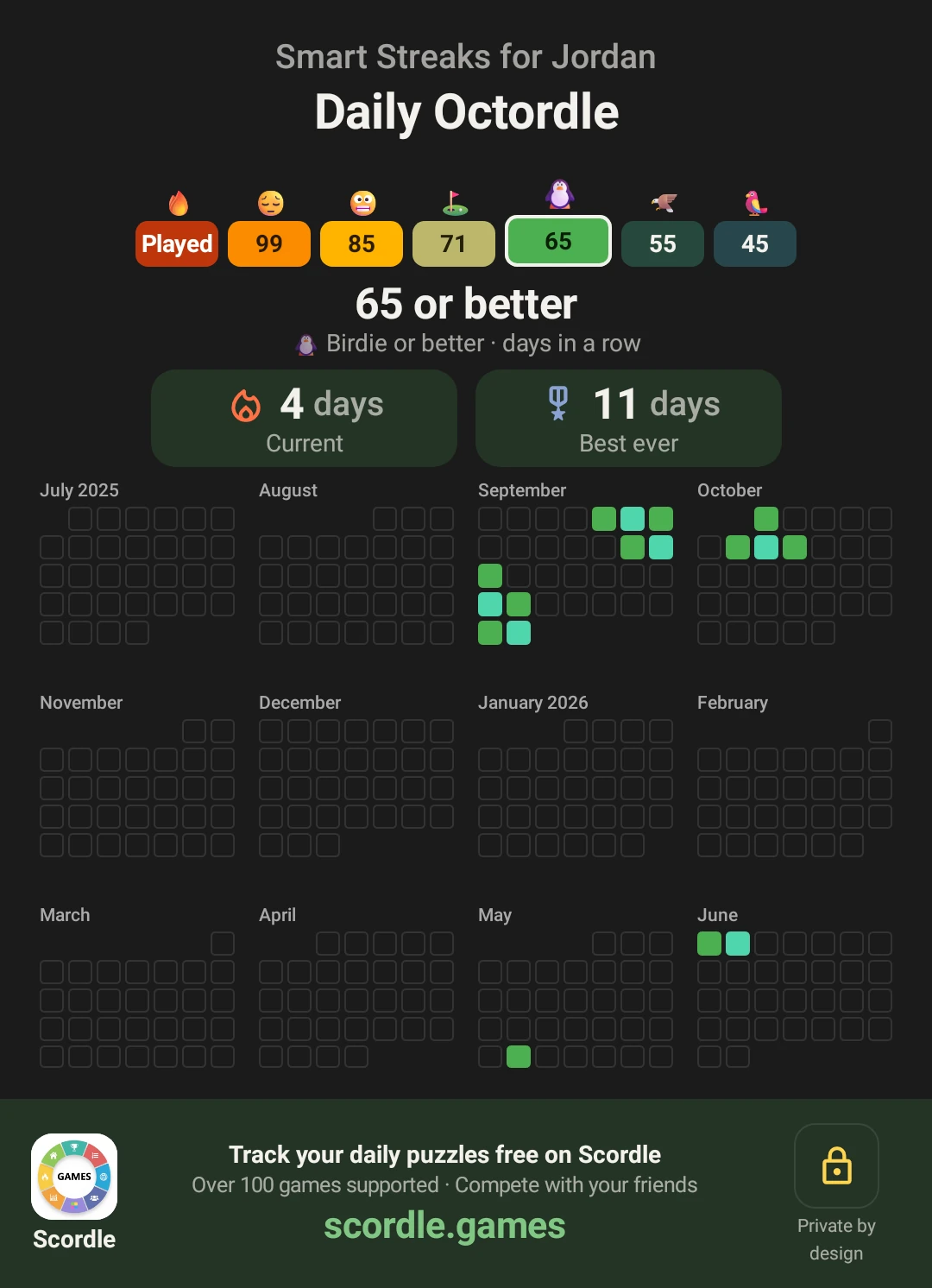
- Open a streakOn the Streaks tab, tap a game, then tap the share icon at the top.
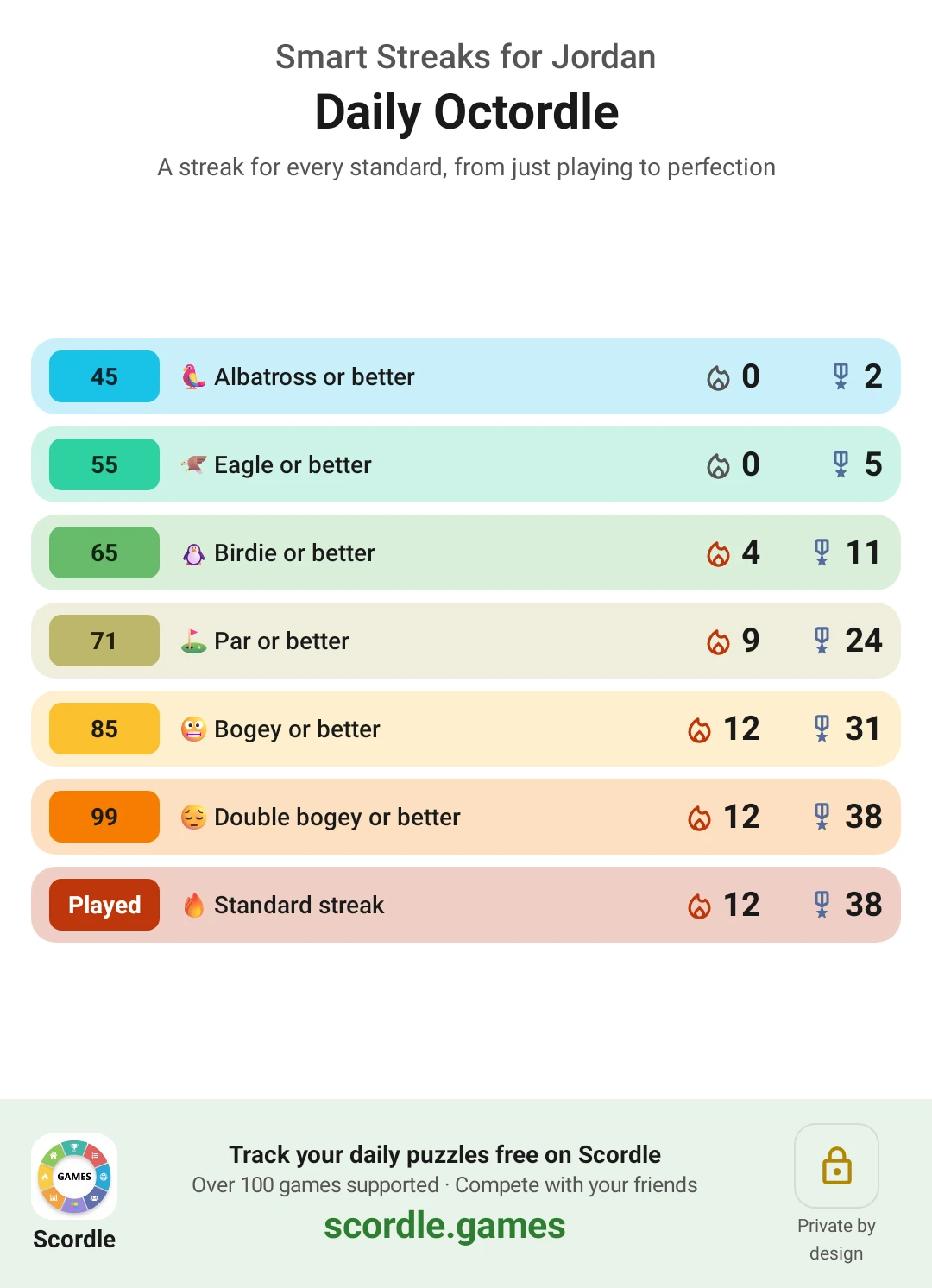
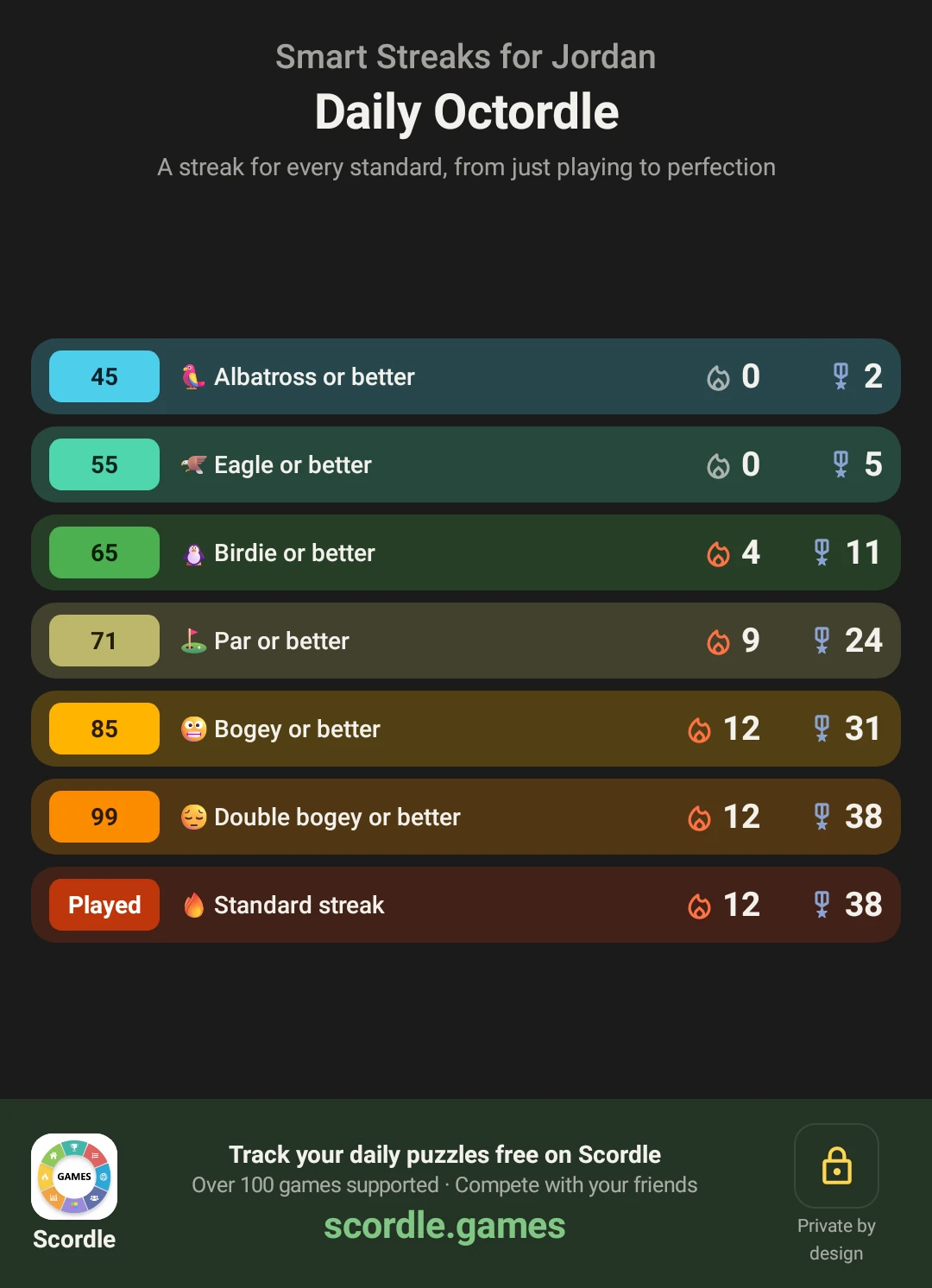
- Pick what to shareThis streak is an image of the streak you are looking at, with its calendar. All streaks is a video of every streak from Played up to the hardest. Summary puts every streak on one card.
Share your profile
- Open your profileTap the people icon at the top of the Games or Streaks tab and pick yourself, or tap your own name in a club's members.
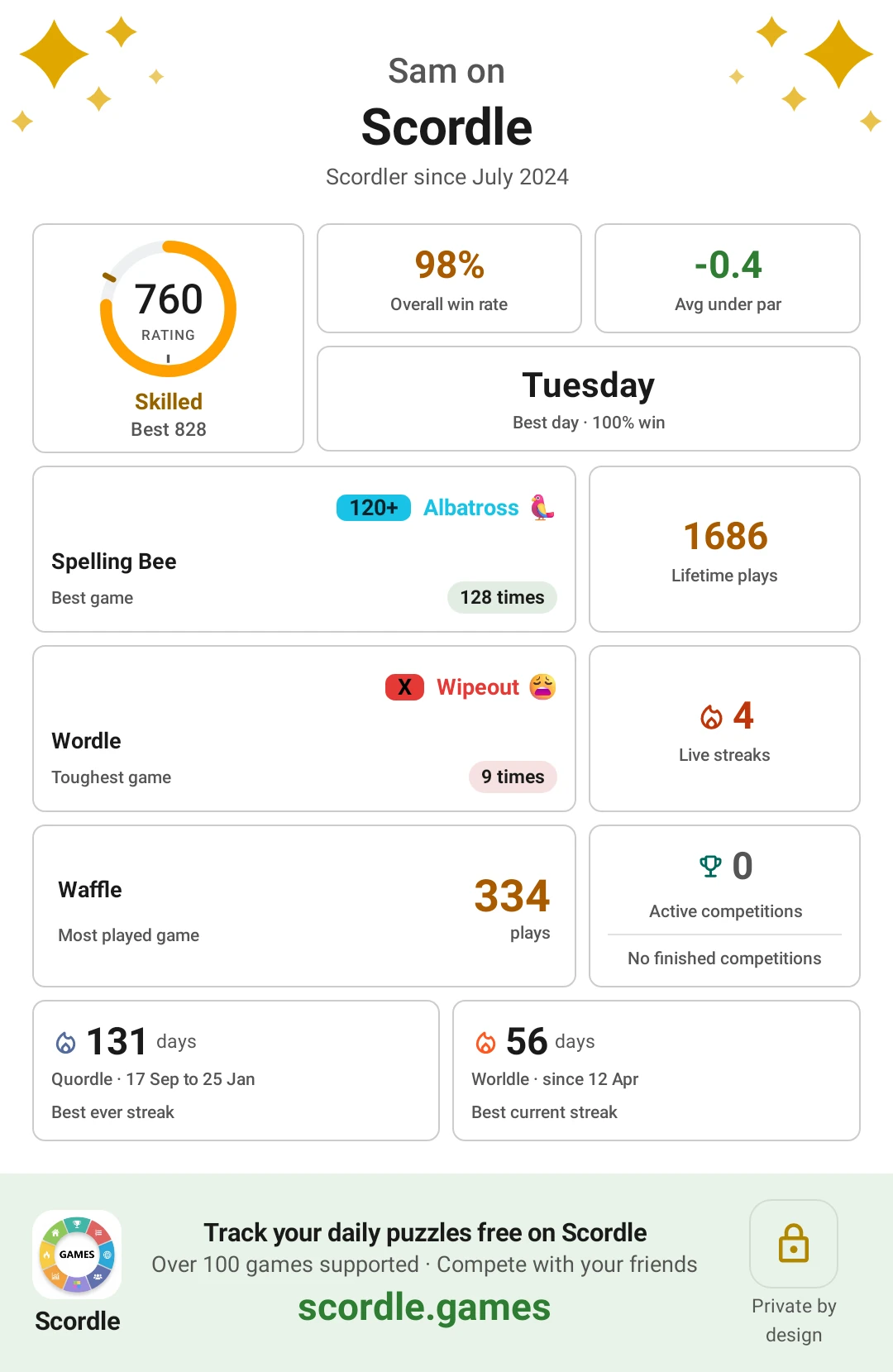
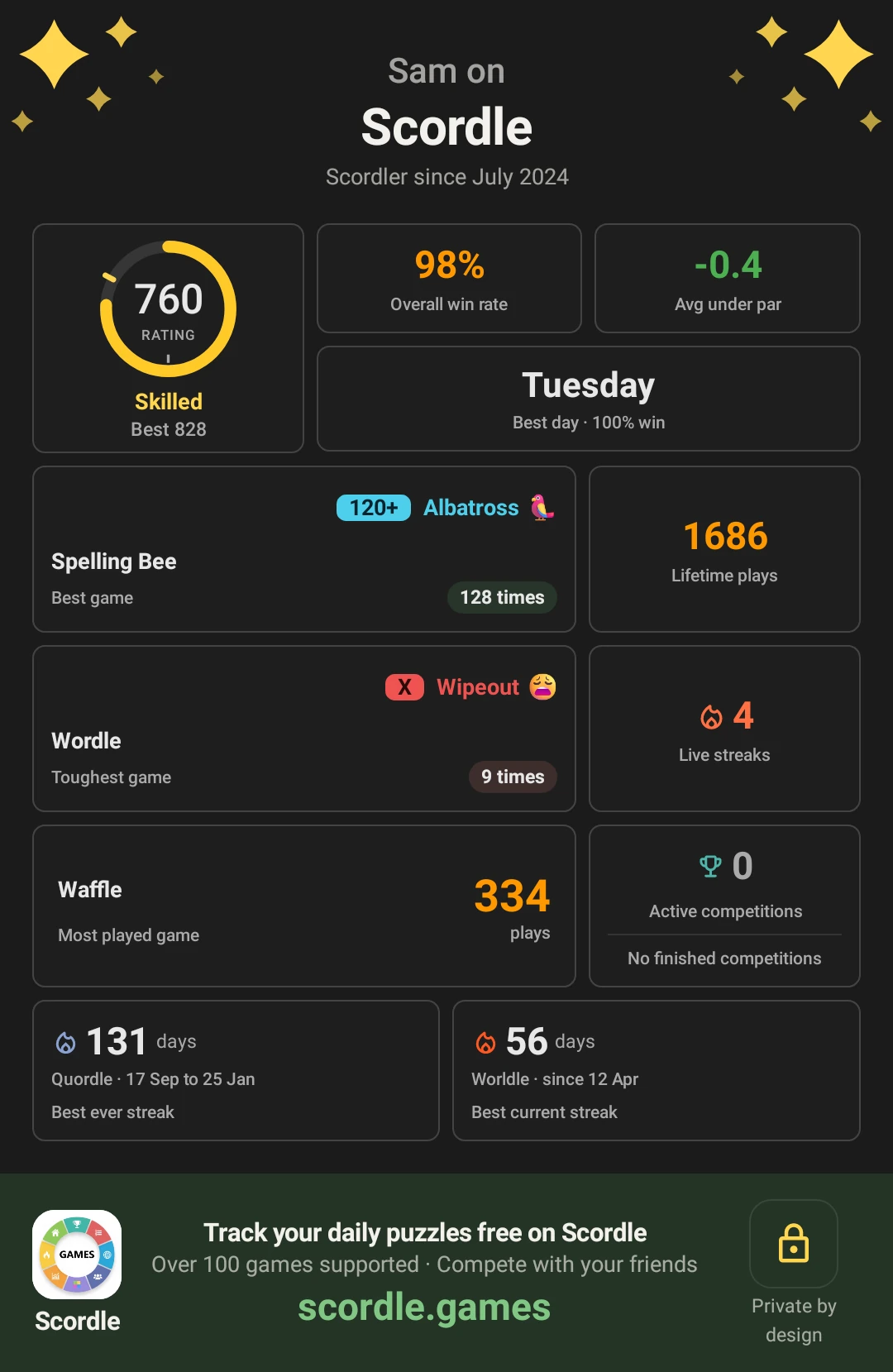
- Share your profileTap Share your profile as an image: your rating, win rate, best and toughest games and your longest streaks on one card.
Share a competition
- Open a competitionFrom the Competitions tab.
- Share the leaderboard or the raceOn the Leaderboard, tap Share the leaderboard as an image. On the Score race, tap Share the score race as a video.
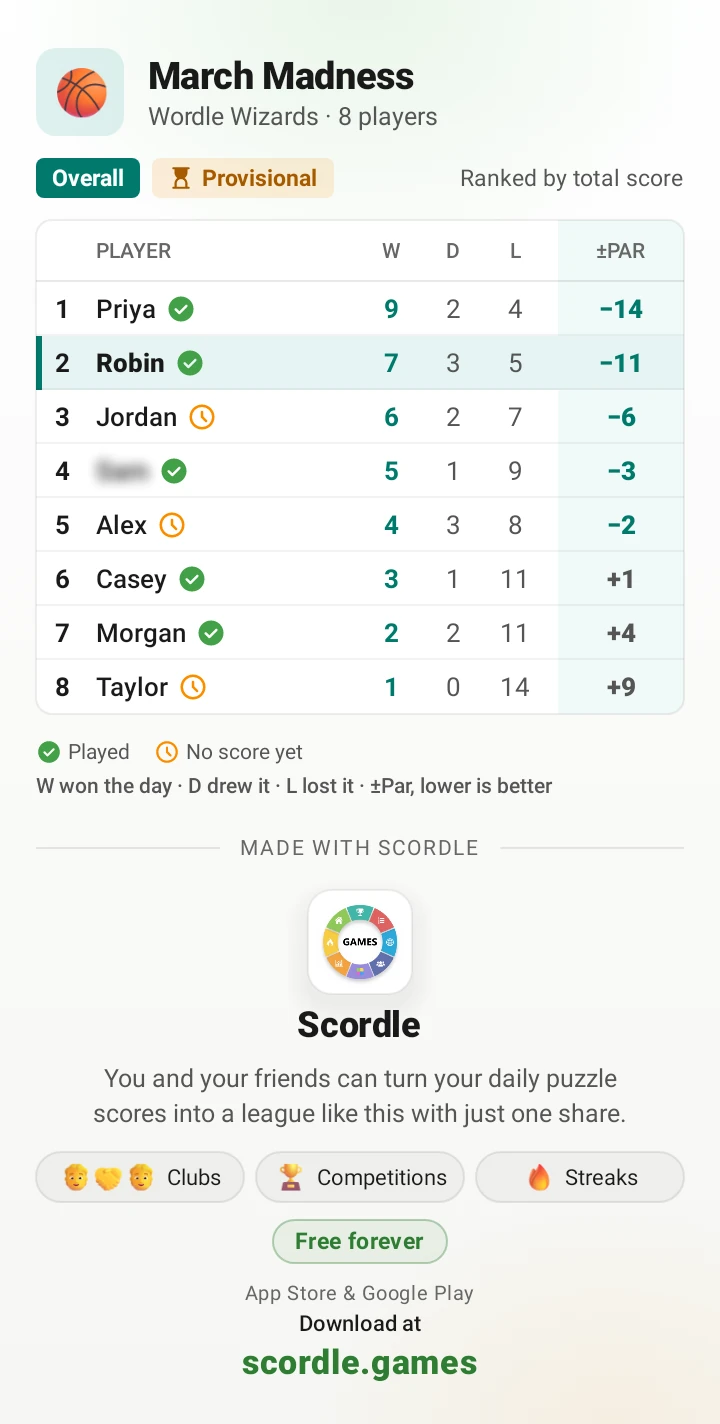
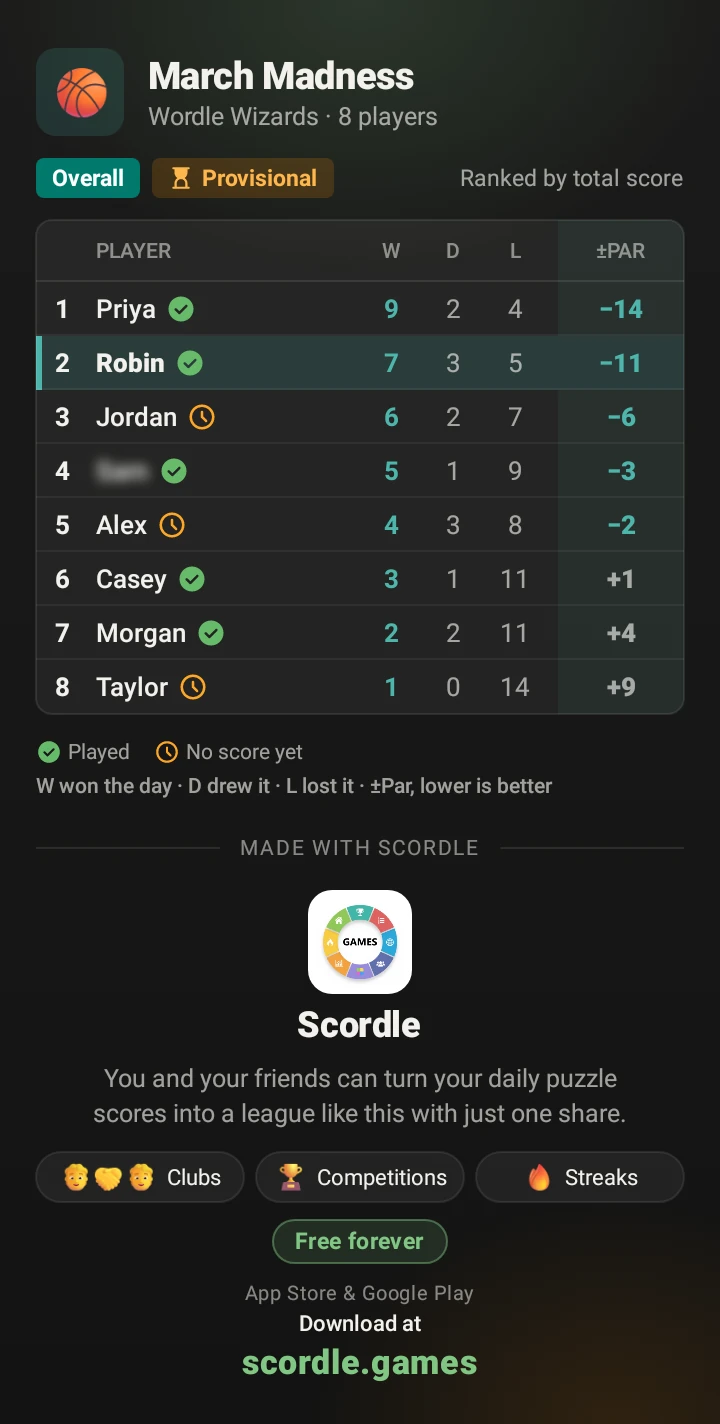
Rather stay anonymous?
- Open SettingsThe gear at the top of any tab.
- Turn on Blur my nicknameYour name shows as a blur on every leaderboard and race a club-mate shares. Club-mates still see it in the app.
Good to know
Your own shares show you
Your year, your streaks and your profile are about you, so they carry your name. Anything you share yourself always shows your own name.
One switch for your name
Blur my nickname is off until you turn it on. Once on, it applies to every competition a club-mate shares.
Works with any app
If your phone can share to it, you can share any of these to it.