Guide · 1 minute
Share leaderboards and race videos
Any competition can be shared as a leaderboard image or a score race video, ready for WhatsApp, Instagram, TikTok, Facebook, X, Threads or anywhere else your phone can share to. Rather not be named? Turn on Blur my nickname.
Leaderboard imageScore race videoBlur my nickname
Share a competition
- Open a competitionFrom the Competitions tab.
- Share the leaderboardOn the Leaderboard, tap Share the leaderboard as an image.
- Or share the raceOn the Score race, tap Share the score race as a video.
- Pick where it goesYour group chat, Instagram, or anywhere else your phone can share to.
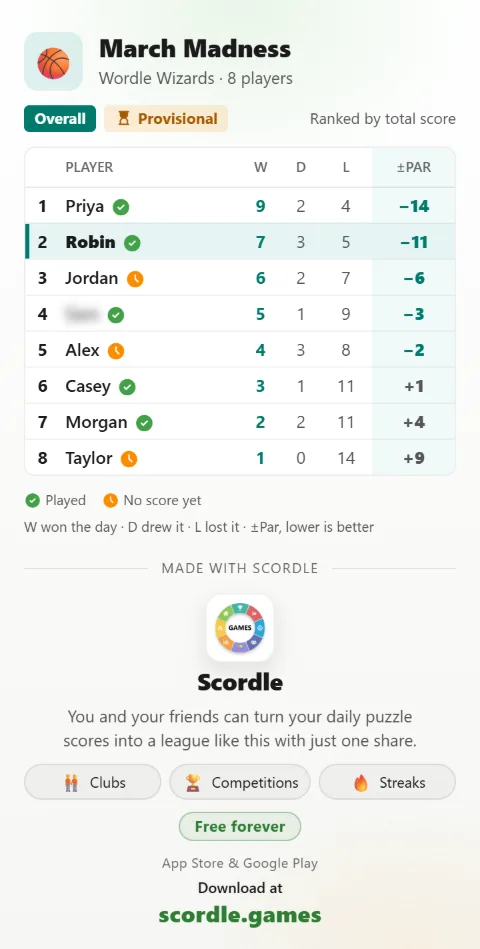
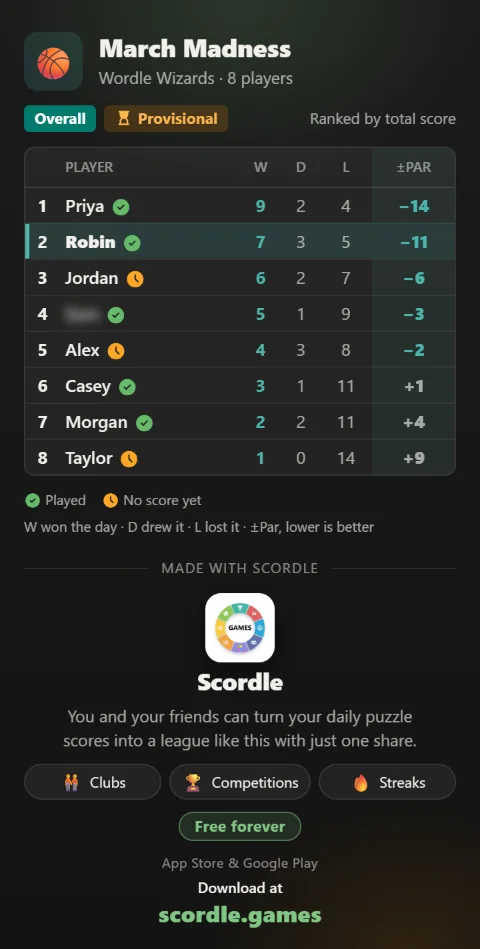
Rather stay anonymous?
- Open SettingsThe gear at the top of any tab.
- Turn on Blur my nicknameYour name shows as a blur on every image and video a club-mate shares. Club-mates still see it in the app.
Good to know
One switch, everywhere
Blur my nickname applies to what your club-mates share. Anything you share yourself always shows your own name.
Your club, your choice
Inside the app, only people in your clubs see your scores. Sharing outside is always a choice someone makes.
Works with any app
If your phone can share to it, you can share a leaderboard or race to it.
Related guides