Moving from a WhatsApp group or spreadsheet
Make a club, invite the group, and bring your history with you: import the scores from your WhatsApp chat and add the streaks you already have. From then on, one share does what the spreadsheet did by hand.
Bring your history
- Create a club and invite everyoneOne link in the group chat. Here's how.
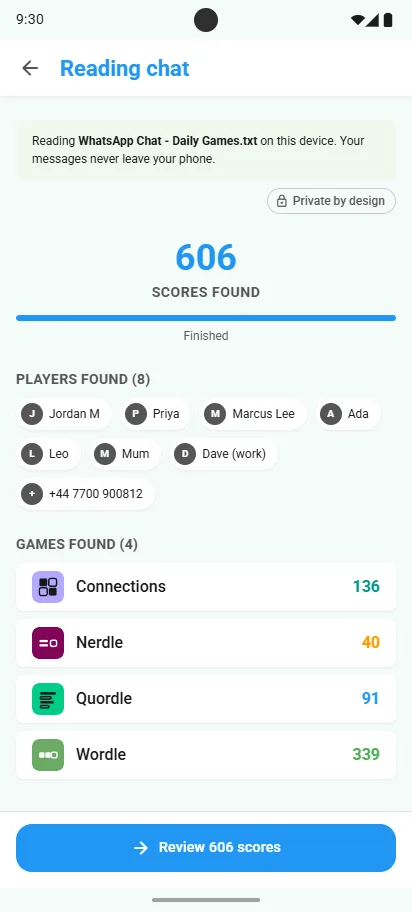
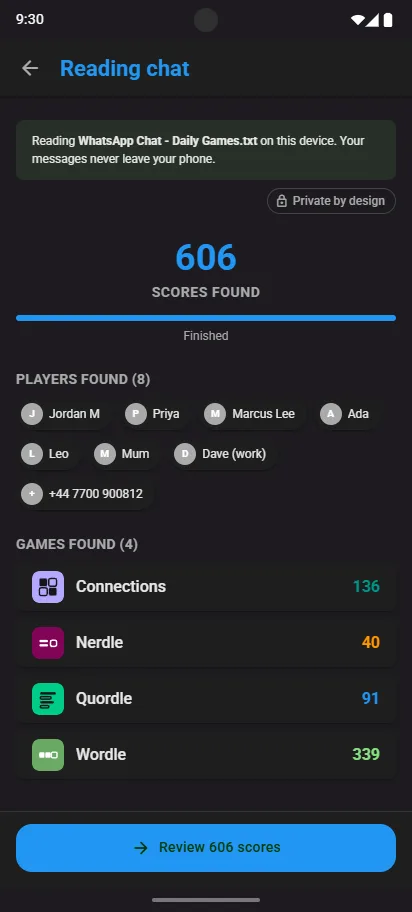
- Import your chatIf scores were posted in WhatsApp, export the chat and share it to Scordle. Step by step.
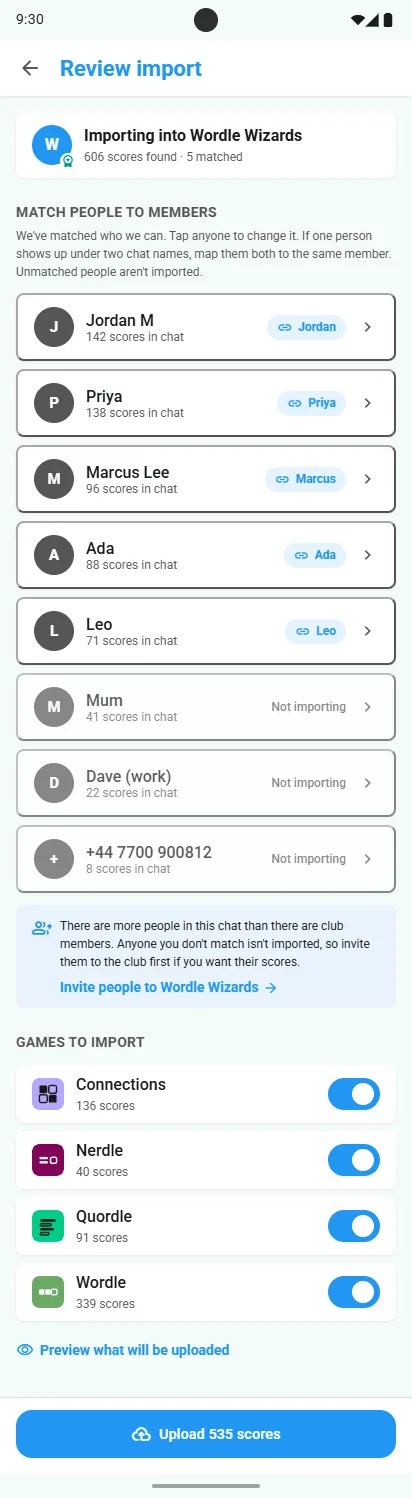
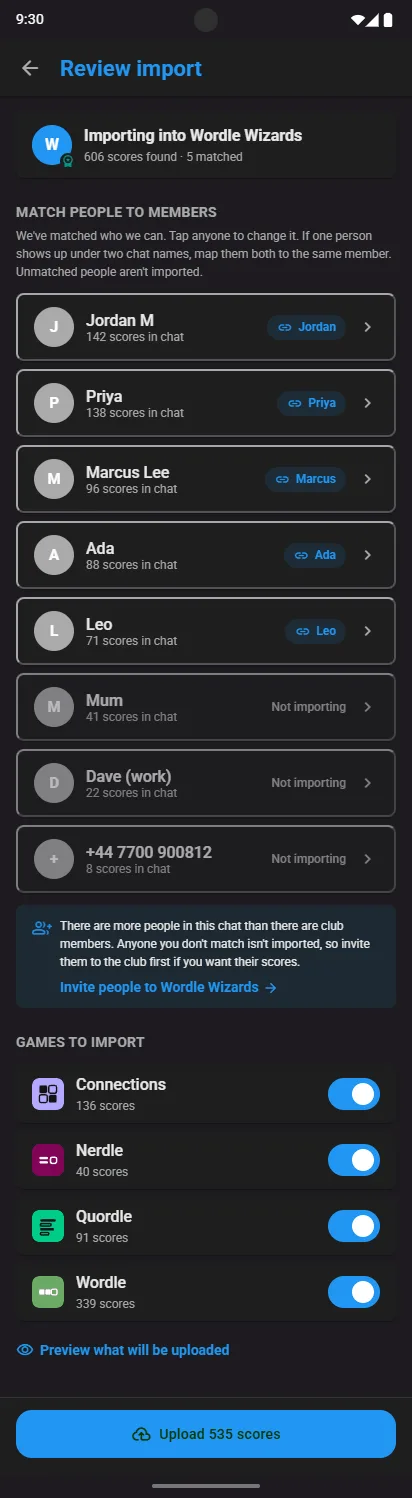
- Match people to membersCheck each chat name is matched to the right club member, then upload.
- Add your streaksEach player can add a streak they already have, game by game.
Six friends, four games
Six friends have kept a spreadsheet since last spring: Wordle, Connections, Strands and Spelling Bee every day, a column each, and a winner at the end of the month.
In Scordle that's one club and one competition with those four games. Each share logs the score, each game is measured against its own par, so a big Spelling Bee day and a Wordle in two count fairly, and the table keeps itself.
What the spreadsheet did, done for you
| The spreadsheet job | In Scordle |
|---|---|
| Typing in everyone's scores | One share from the game logs it |
| Working out the totals | Competitions score by day or by week |
| Who's on a streak | Streaks and Smart Streaks, for every game |
| The winner | A competition with its own schedule |
| Arguing about fair scoring | Every game scored against its own par |
Good to know
Scores come from shares
Scordle can't read a spreadsheet file. History comes from a chat export, and new scores from a share.
Your chat stays on your phone
Only scores are picked out. Every other message is ignored and nothing uploads until you've reviewed it.
Start fresh competitions
Once everyone's in, start a competition from today and let it keep the table.
Related guides