Guide · 1 minute
Use Scordle as a launch pad for your games
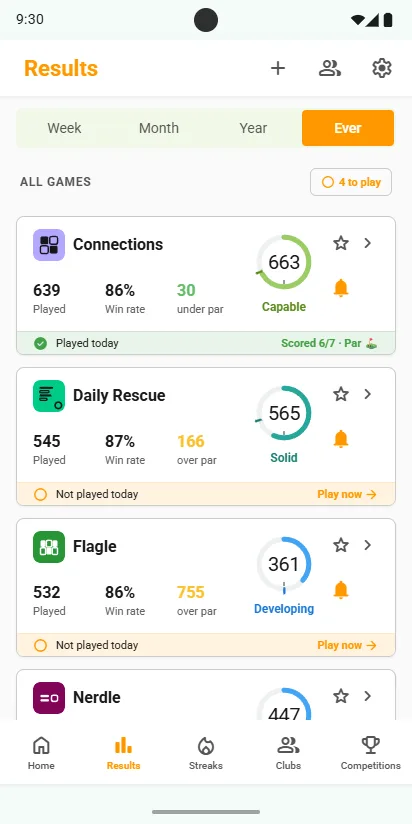
Scordle lists every game you play in one place and shows which ones you have played today. Tap Play now and the game opens on its own website, as usual. We never keep you in the app.
Every game in one placeOne tap to playPlays on the usual site
Play from the Results tab
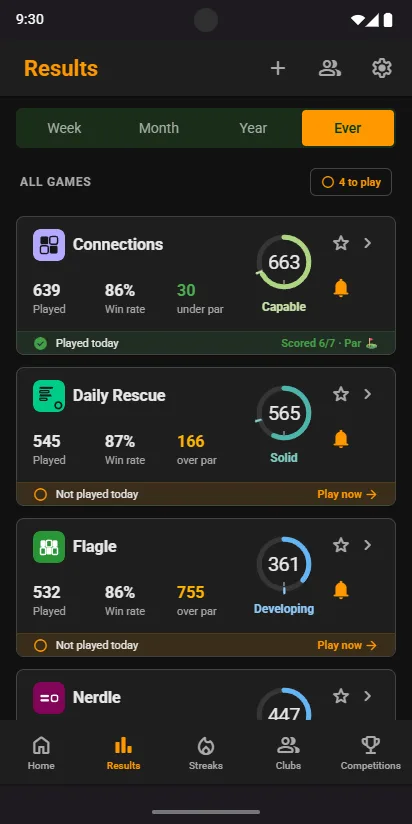
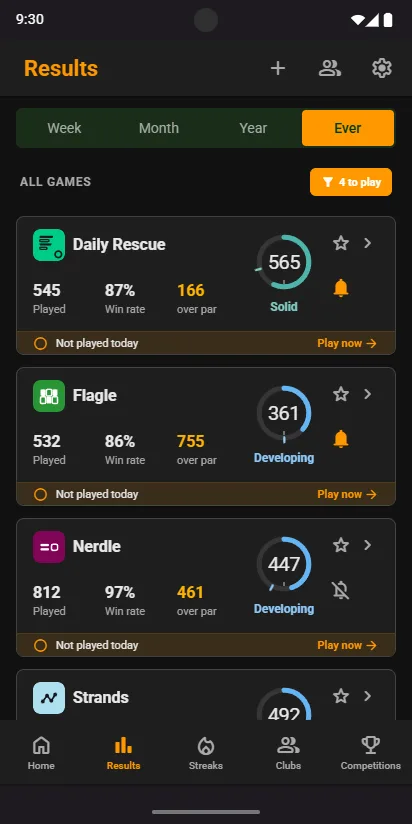
- Open ResultsEvery game you have logged a score in has a card, and each says Played today or Not played today.
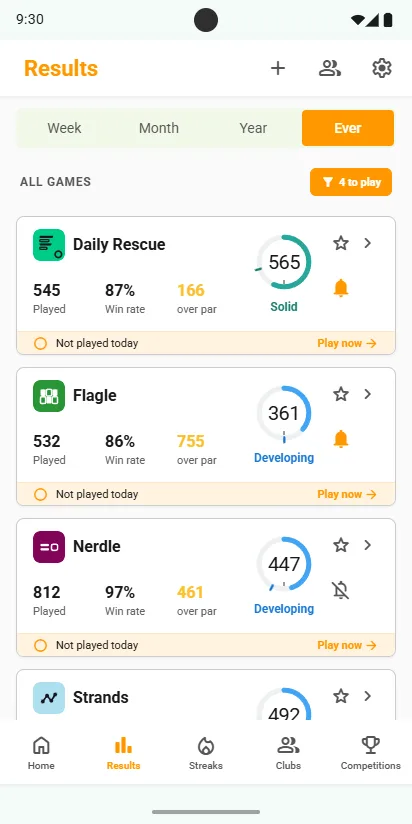
- Tap the to play chipEach section heading shows how many games are left to play. Tap it and that section shows only the games you haven't played today. Tap it again to show them all.
- Tap Play nowThe game opens on its own site in your browser. Play it exactly as you always do.
- Share your score backTap Share at the end and pick Scordle. The game is marked Played today and drops off the unplayed list.
Good to know
Your usual sites
Wordle, Connections and the rest play where they always have. Scordle keeps the scores, not the games.
Keep your favourites on top
Star the games you play most and they sit first on the list.
A nudge if you forget
Turn on the daily reminder and Scordle names the games you have not played yet.
Related guides