Guide · 1 minute
Import your existing streaks
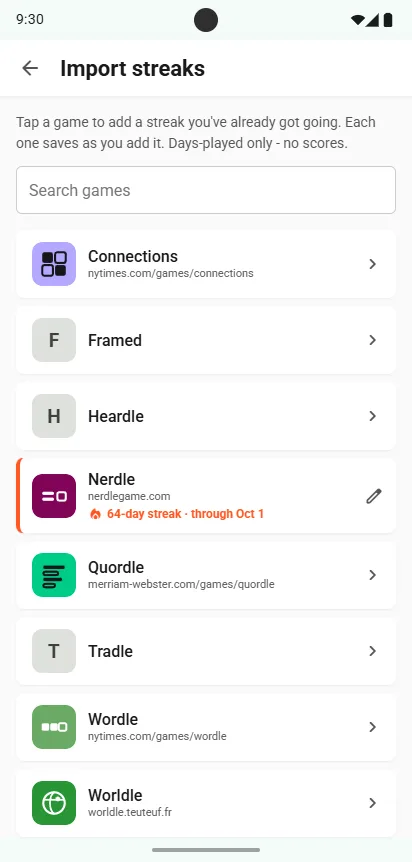
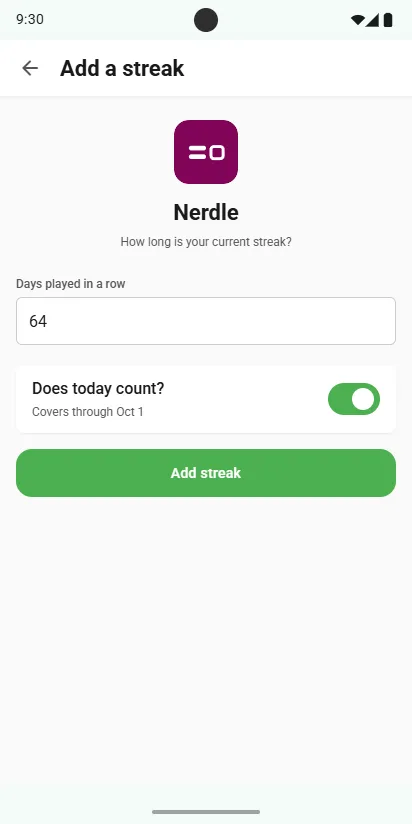
Already on a 64-day Nerdle streak? Tell Scordle and it counts from day one. Pick the game, enter how many days you've played in a row, say whether today counts, and it's saved.
Game by gameCounts from day oneAbout a minute
Add a streak
- Open the Streaks tabTap + (Add a streak) in the toolbar to open Import streaks.
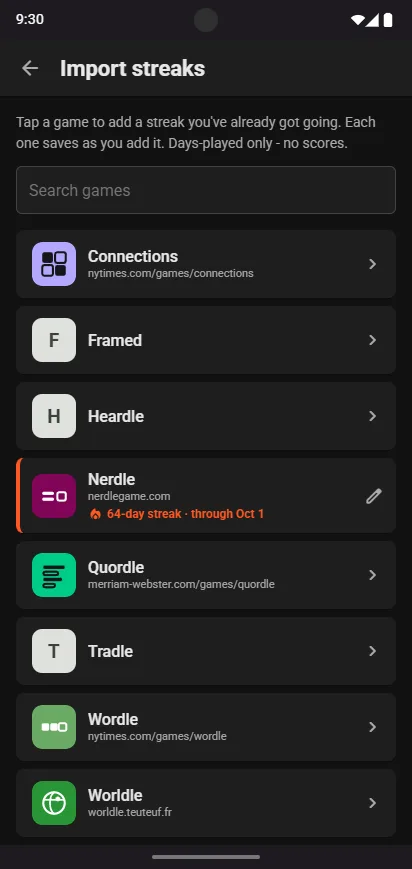
- Tap a gameSearch for it, or find it in the list.
- Enter your streakDays played in a row, as your game shows it.
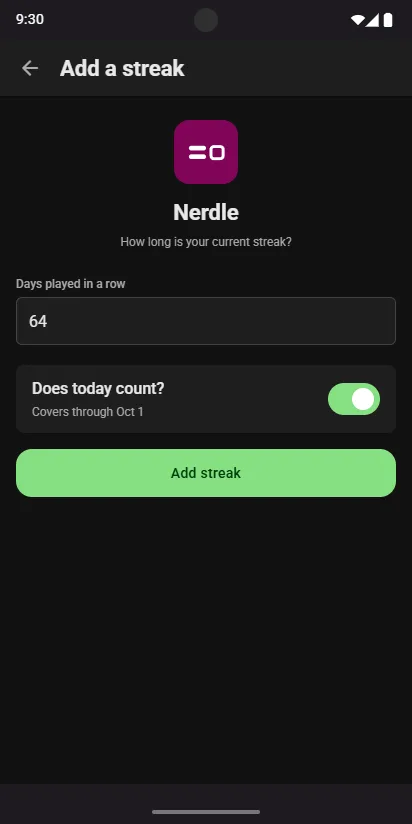
- Does today count?Switch it off if you haven't played today yet. It sets the last day your streak covers.
- Tap Add streakIt saves straight away, and the game shows your streak in the list.
Good to know
Days played only
An imported streak counts days played. Smart Streaks build up from the scores you share.
Change it any time
Tap the game again to update your streak. The new number replaces the old one.
No further back than the game
A streak can't start before the game's first puzzle, so the longest you can claim depends on the game.
Related guides