Guide · 1 minute
Keep your favourite games on top
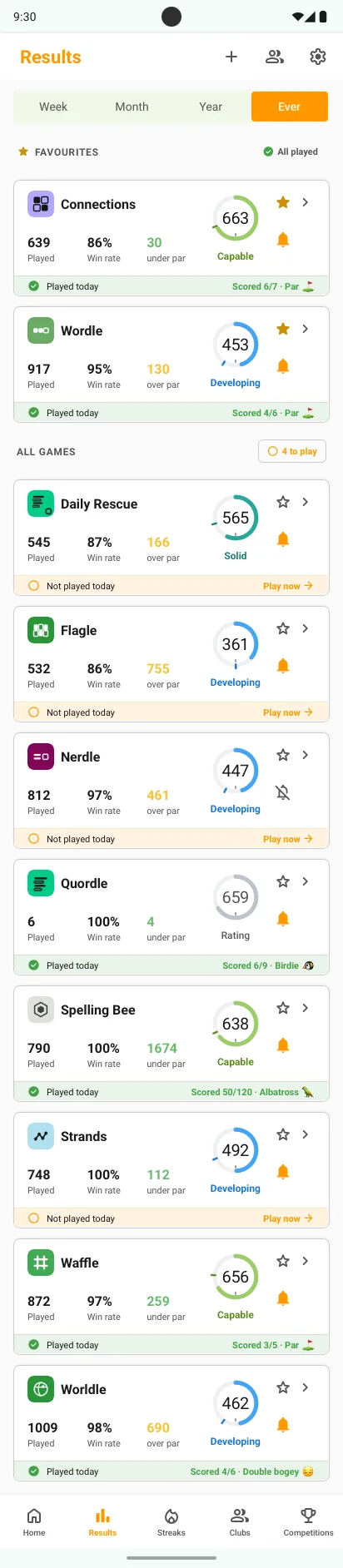
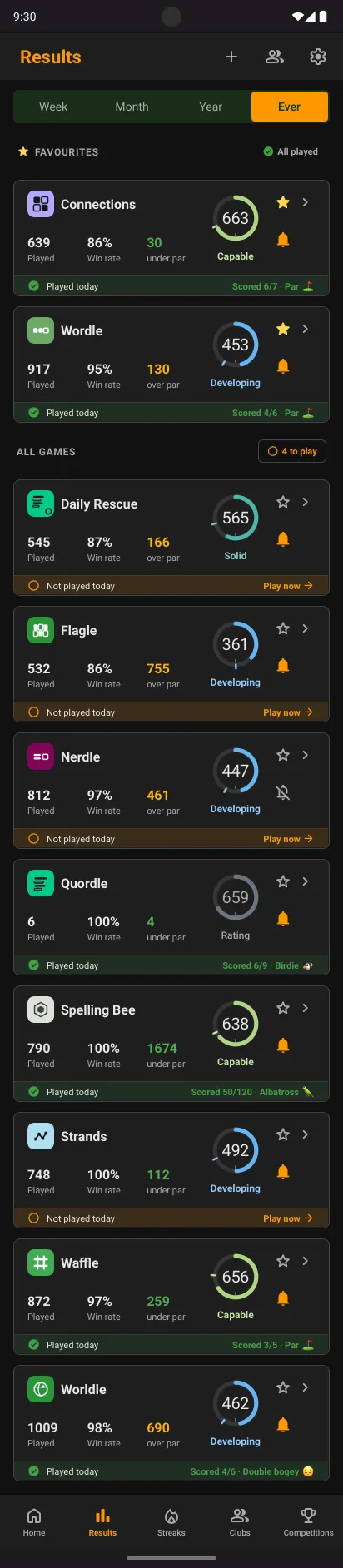
If you play a lot of games, star the ones that matter most. Your favourites sit together at the top of the Results tab, so the games you reach for first are always first.
One tapTop of the listChange any time
Star a game
- Open ResultsFind the game on its card.
- Tap the starIt fills in, and the game moves up under Favourites.
- The rest followEvery other game stays in the list below, A to Z.
- Tap again to unstarThe game goes back into the main list.
Good to know
A tidier launch pad
Favourites are the first Play now links you see, so your daily round starts in one place.
Separate from reminders
The star orders your list. The bell beside it decides which games the daily reminder names.
On every device
Your favourites follow your account, not one phone.
Related guides