 Scordle
Guide · 2 minutes
Daily reminders for each game
Pick a time and the games you care about, and Scordle sends one reminder a day naming the ones you haven't played yet. It is there for the busy days, so a streak doesn't end because you forgot.
One reminder a dayAt a time you pickEasy to switch off
Turn on your reminder
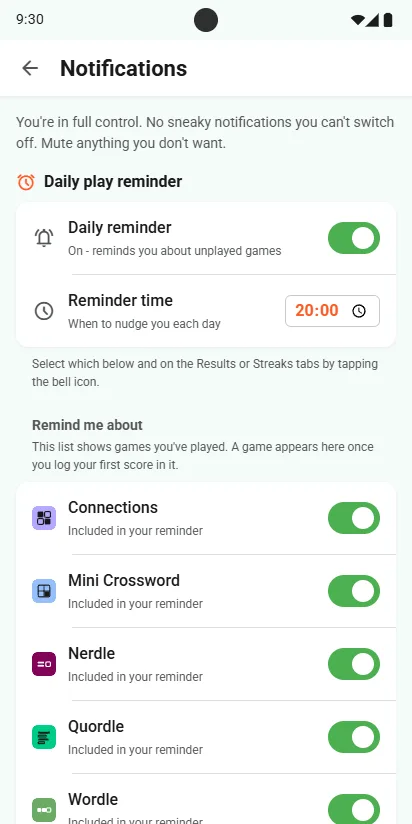
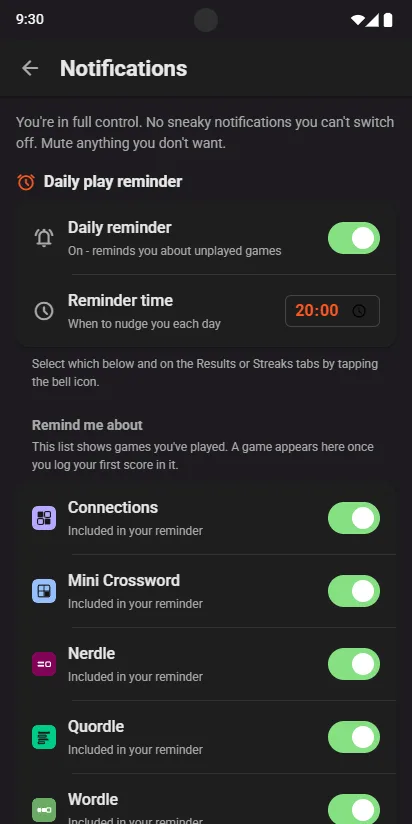
- Open Settings, then Notification preferencesSwitch on Daily reminder.
- Set the timeWhen you want the nudge, such as 8pm.
- Choose the gamesUnder Remind me about, each game you play has its own switch. A game appears once you log your first score in it.
What the reminder says
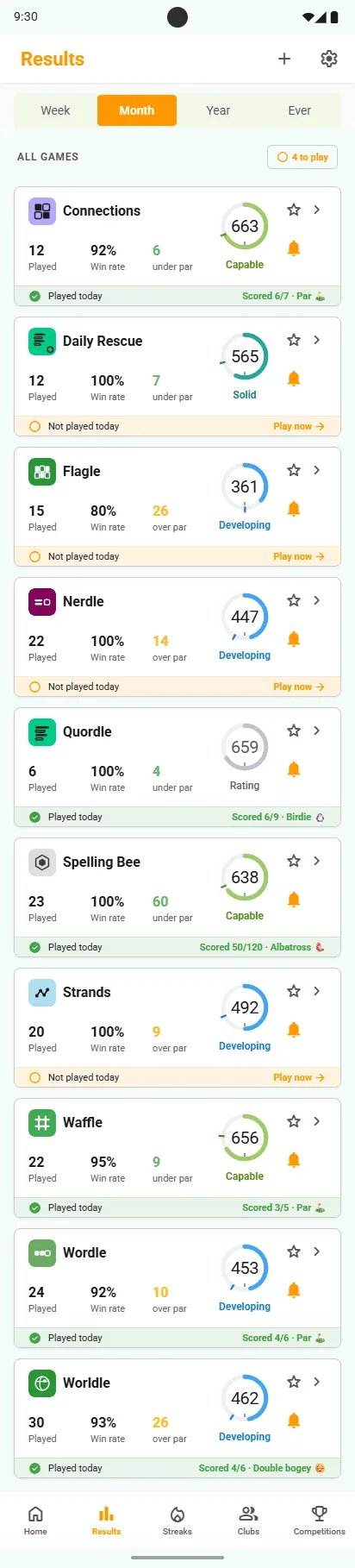
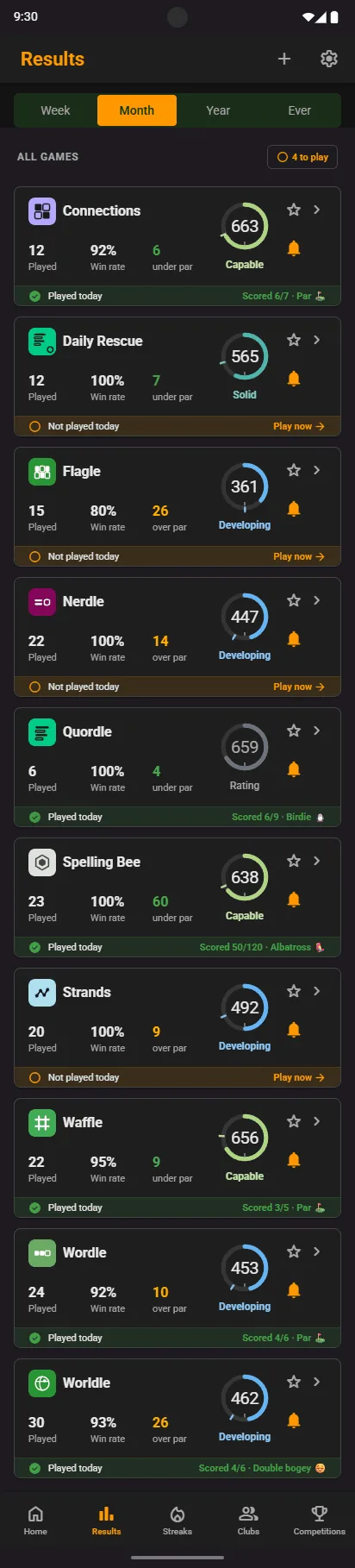
- Only what is left"You haven't played Wordle and Connections yet today." Games you have already played are left out.
- Tap the bell to change a gameOn the Results or Streaks tab, the bell on each game card adds it to the reminder or takes it off.
Good to know
Your notifications, your call
Every notification has its own switch, and you can turn the reminder off in one tap.
Reminders on time
On Android, allow Alarms and reminders when asked, so the nudge arrives at the exact minute.
Grace if you still miss it
Miss a day anyway and grace can forgive it, so the streak survives.